One click, whole workflow
Recipes are here. Package a whole workflow and run it in one click
Explore recipesOne click, whole workflow
Recipes are here. Package a whole workflow and run it in one click
Explore recipesbyAnimateDiff Community & Shanghai AI Lab
Expressive, fluid animation and stylized video rotoscoping powered by temporal motion priors
From text prompt or source footage to finished motion loop in three focused steps.
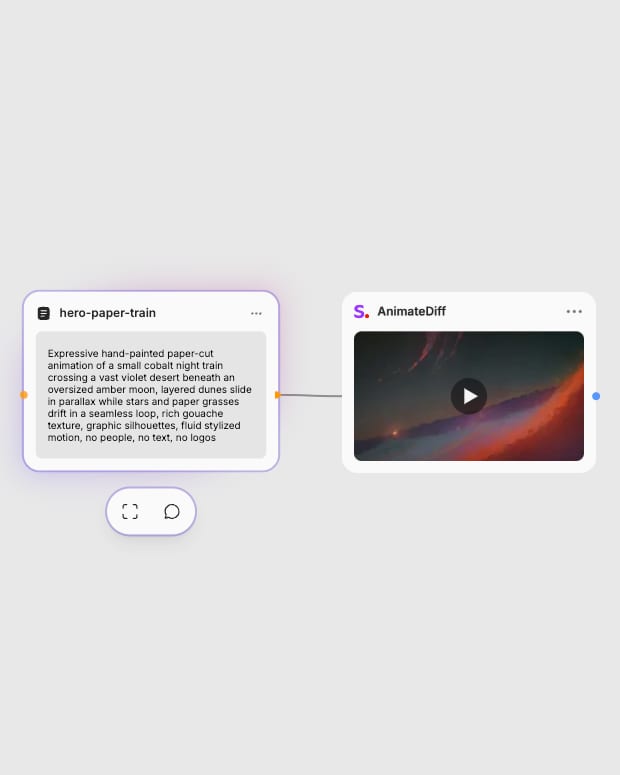
Provide Prompt or Video
Enter a descriptive text prompt under 75 tokens or upload a source video clip for stylistic rotoscoping.
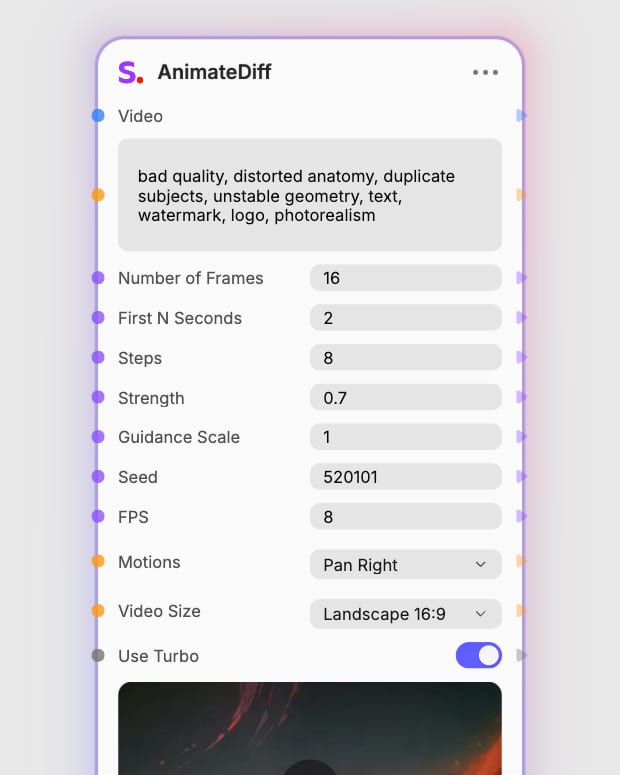
Configure Motion and Speed
Toggle Turbo mode for rapid generation at 4–12 steps or standard mode for detailed rendering, then set camera motion presets.
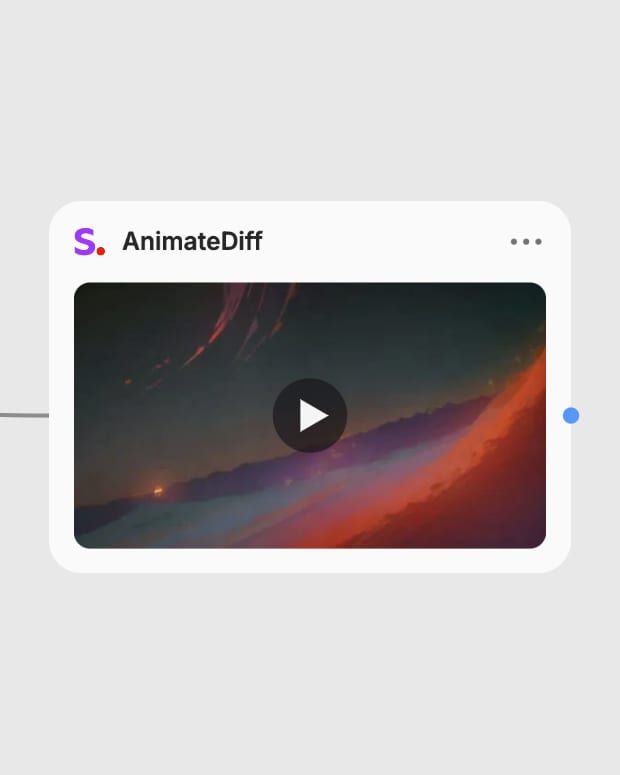
Generate Motion Sequence
Run the temporal diffusion pipeline to produce fluid, looping animation clips ready for export.
Explore the core motion controls, dual-tier inference schedules, and stylistic transfer tools that define AnimateDiff.
A gallery of high-energy fashion sequences, claymation transformations, and stylized industrial designs rendered with fluid temporal motion.
See how animators, art directors, and motion designers use AnimateDiff for rapid creative exploration and stylized video production.
Choose the Turbo variants (distilled schedules at 4–12 inference steps) when you need rapid conceptual exploration, low-cost motion prototyping, or near-instant animation loops. Reach for the standard non-turbo variants (20–30 steps) when you require crisp linework, intricate claymation or mechanical textures, and stronger fidelity to detailed text prompts.
Use Text-to-Video when generating fresh motion clips directly from descriptive text prompts with optional camera motions like pan, tilt, or zoom. Use Video-to-Video when you have an existing video clip and want to restyle or rotoscope it into anime, watercolor, or fantasy aesthetics while preserving the original subject motion through the strength control.
AnimateDiff excels at dreamy anime loops, fluid 2D and 2.5D animation, surreal morphing transitions, and stylized video-to-video rotoscoping. It is best used for artistic, nostalgic lo-fi aesthetics where sweeping motion and expressive color matter more than strict photorealism.
AnimateDiff struggles with high-fidelity photorealism, stable anatomical details like hands and limbs across long sequences, background stability without temporal flicker, and rendering legible typography. For projects requiring rigid architectural geometry or Hollywood realism, modern native video diffusion models are better suited.
In Video-to-Video mode, guidance scale controls prompt adherence while strength determines how much the original video is transformed. Keep guidance scale at 1.0–2.0 for Turbo mode (or 7.0–8.5 for standard mode) to prevent color burning. Set strength between 0.3–0.5 for subtle re-texturing, or 0.7–0.85 for bold stylistic restyling.
Expressive, fluid animation and stylized video rotoscoping powered by temporal motion priors