One click, whole workflow
Recipes are here. Package a whole workflow and run it in one click
Explore recipesOne click, whole workflow
Recipes are here. Package a whole workflow and run it in one click
Explore recipesbyPika Labs
Direct cinematic scenes with physics-aware material dynamics, deliberate camera motion, and seamless 10-second temporal consistency
Draft your visual scene, configure camera behavior and physical interactions, and export high-resolution motion sequences in seconds.
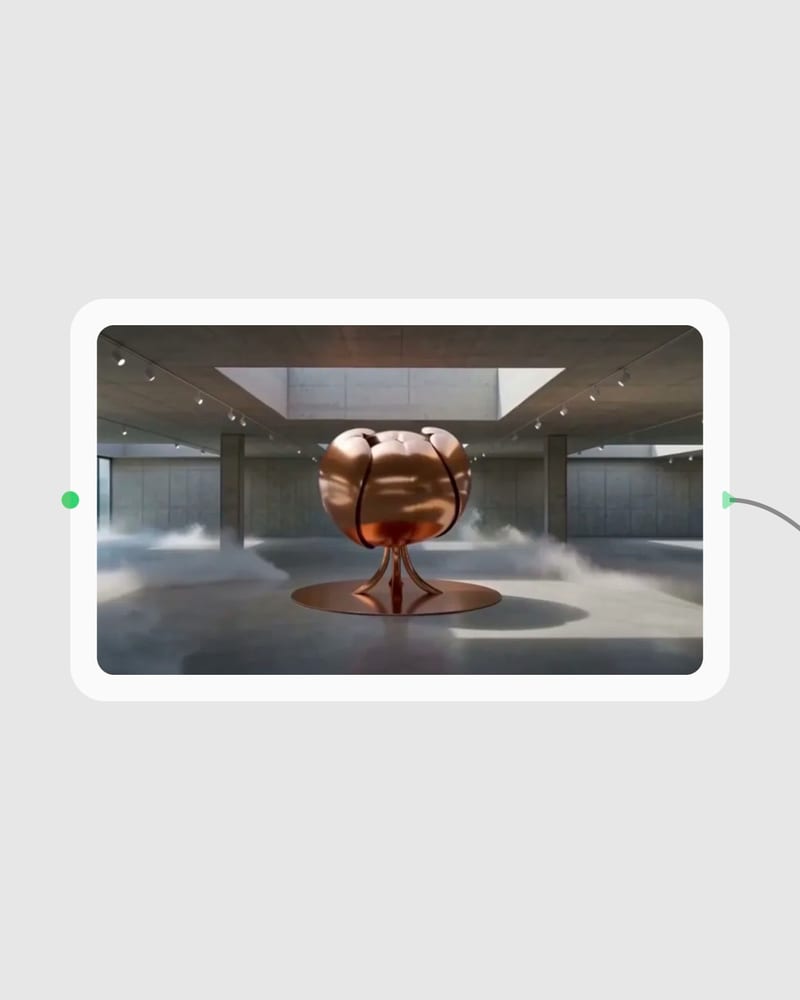
Define Scene or Keyframe
Write a descriptive text prompt specifying action and lighting, or upload a reference image to serve as the initial video frame.
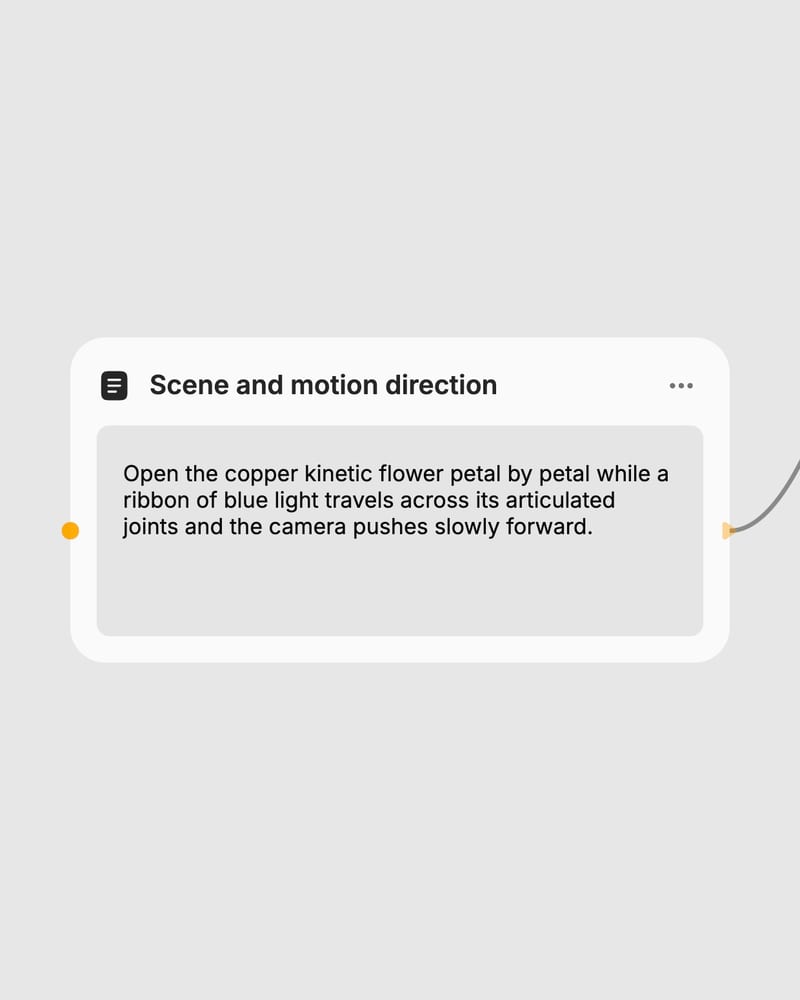
Set Motion Parameters
Select your target duration of 5 or 10 seconds, choose 720p or 1080p resolution, and set your canvas aspect ratio.
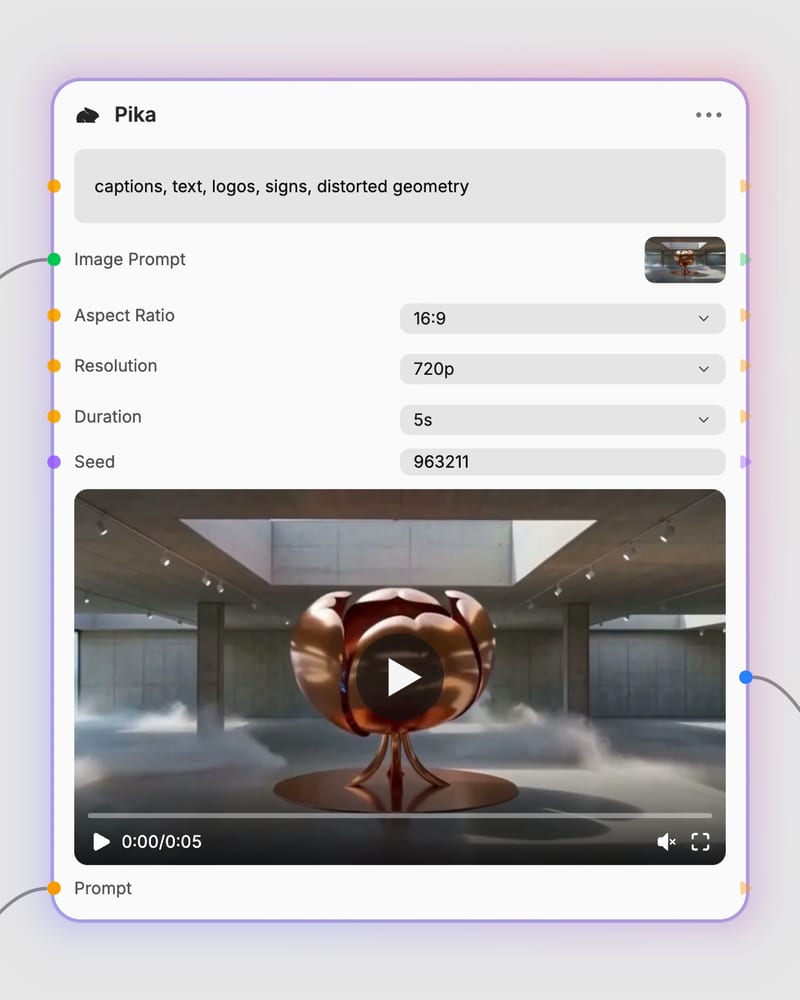
Render Cinematic Video
Synthesize the motion sequence with stable temporal coherence and download the finished video asset.
From text prompts to keyframe animation, produce physics-compliant motion with precise camera trajectories and dual-resolution rendering.
Explore cinematic camera tracks, material simulations, and editorial motion sequences generated across text-to-video and image-to-video workflows.
Discover how creative directors, commercial visualizers, and digital artists use physics-aware video generation to produce publication-ready motion.
Choose Text-to-Video to build scenes entirely from conceptual text prompts with full compositional freedom. Choose Image-to-Video when you have an existing visual asset, character still, or product render that must preserve its starting frame, lighting, and palette exactly.
Use Image-to-Video for guaranteed asset consistency, as it anchors the sequence to your initial frame. While Text-to-Video generates original scenes from text, Image-to-Video guarantees that wardrobe, lighting, product details, and character features match your source image throughout the camera move.
The model excels at cinematic camera movements like slow dollies and orbital pans, material physics such as fluid splashes and fabric flow, and high-fidelity video storyboards up to 10 seconds. It renders natural lighting roll-off and coherent spatial depth across seven aspect ratios.
Avoid scenes requiring legible typography, intricate hand and finger interactions, or multiple independent characters moving simultaneously. Fast camera maneuvers like whip pans and instant snap zooms will also cause structural smearing and texture collapse.
Select 720p at 5-second durations for rapid motion concept tests and storyboard drafts. Switch to 1080p at 10 seconds for high-fidelity brand commercial deliverables, cinematic establishing shots, and final visual assets.
Direct cinematic scenes with physics-aware material dynamics, deliberate camera motion, and seamless 10-second temporal consistency