Recipev14
3D Screenshot to Render
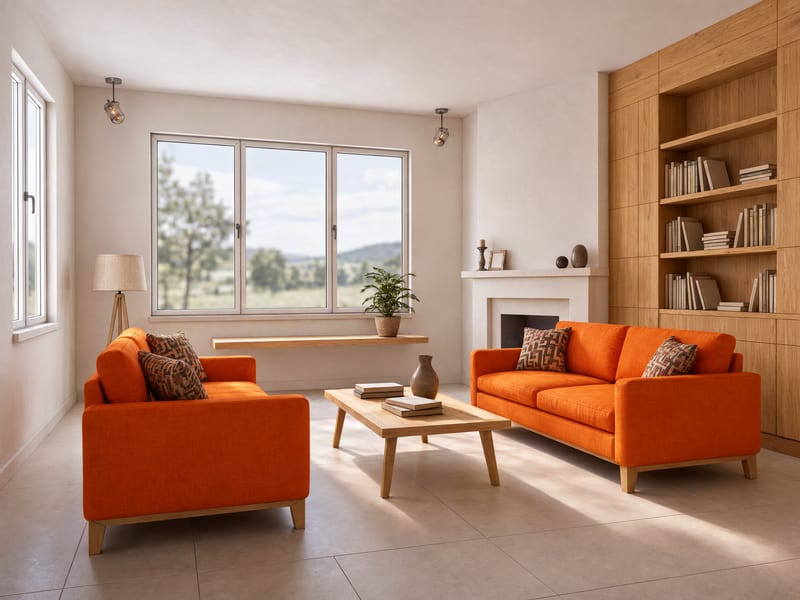
Generated Image
Make the tool you're missing
Tools are here. Describe the one you're missing and use it live
Explore toolsInterior visualization
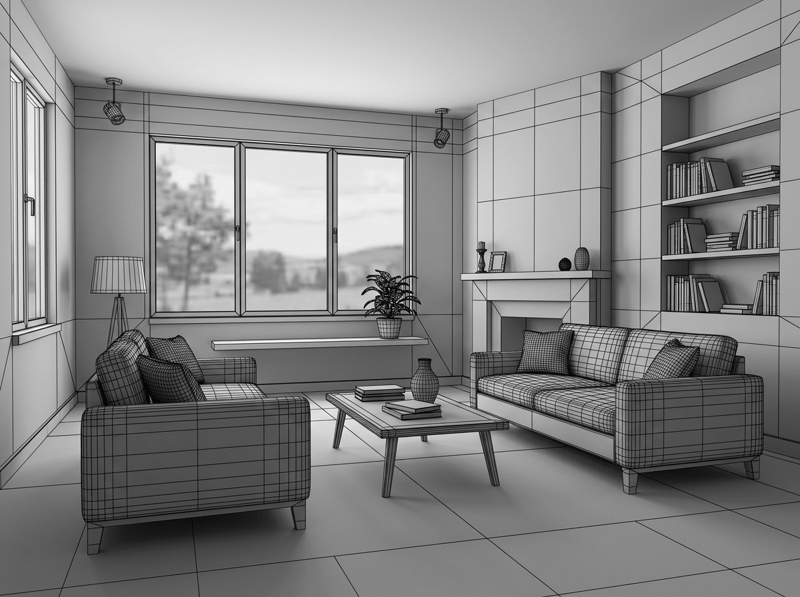
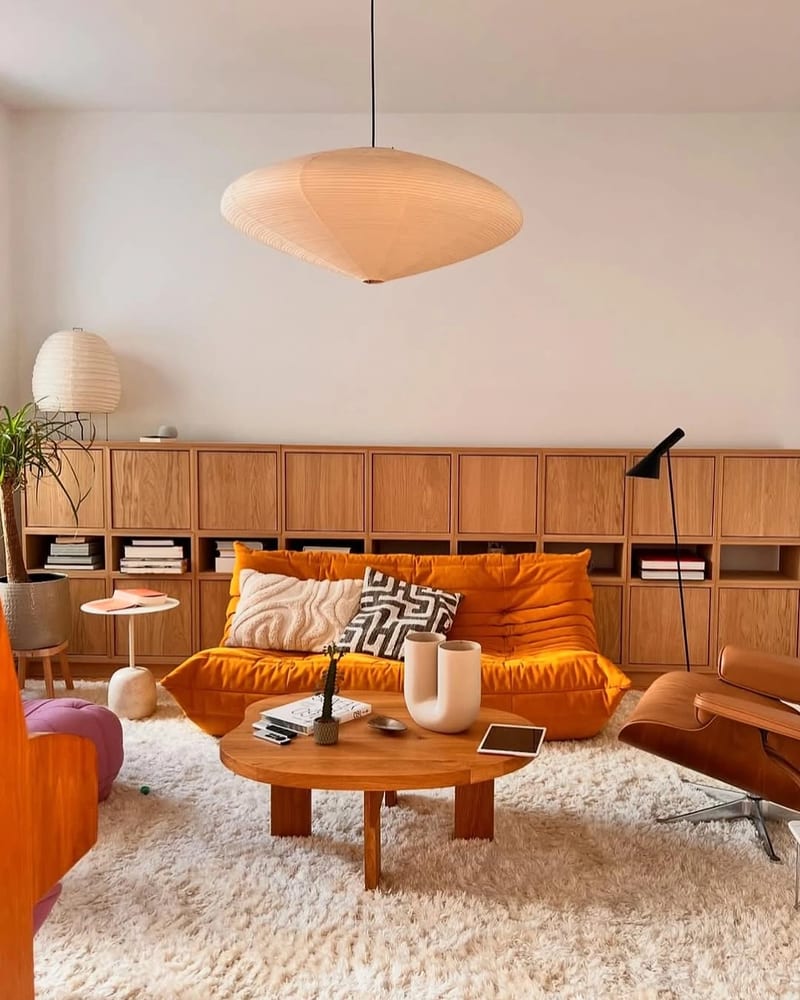
Combine a 3D environment screenshot, reference image, and optional prompt to create a rendered image of the space.
Generated Image
A recipe turns a reusable workflow into a simple set of inputs and outputs. Start with a community recipe and make it your own in Fuser.
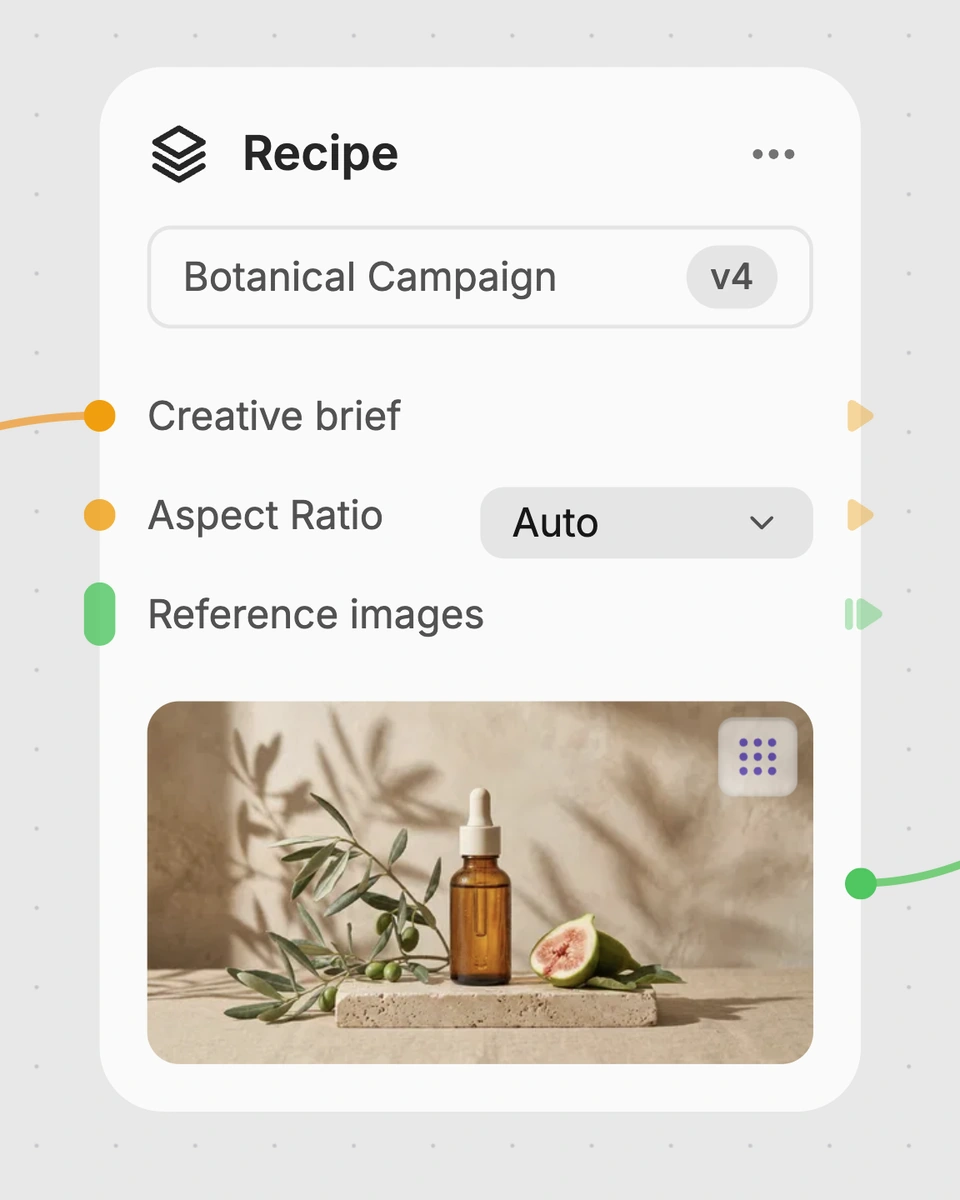
1. Choose a recipe
Find a workflow for the result you want. Review what it does and how to use it before opening it in Fuser.
2. Make it your own
Check the recipe’s available inputs. Add your own text or media where supported, or start with the saved defaults.
3. Run and refine
Run it in Fuser and review the result on your canvas. Tweak the inputs to try another direction.
Use the recipe to explore visual directions for architecture and interior projects from an existing 3D environment.
It is intended for architecture and interior design work that already has a 3D environment screenshot and a reference image. It can help designers, visualizers, and project teams explore how an existing space might be rendered toward a chosen reference.
Prepare an image showing your 3D environment and an image that represents the space or visual direction you want to reference. You can also add optional text prompt guidance for extra details or instructions about what to avoid.
The recipe produces one generated image. The 3D screenshot provides the existing environment, while the reference image and optional prompt guide how the space is rendered.
Yes. The exposed inputs can be changed in Fuser: replace the 3D Screenshot, choose a different Reference Image, or edit the optional Prompt. The saved page example uses its saved inputs; a new run can use the inputs you provide.
It is suited to architecture and interiors, including early design studies, reference-led visual exploration, and presentation concepts based on an existing 3D environment. It is most relevant when you have both a model screenshot and a visual reference to work from.
Use a screenshot of the 3D environment you want to render. The clearer the screenshot communicates the relevant space, the more directly it can serve as the starting image for the recipe.
The prompt provides additional guidance when the two images alone do not express every requirement. You can use it to add details, be more specific, or tell the recipe to avoid certain changes.
Bring a model screenshot, reference image, and optional guidance together in Fuser to explore a rendered view of your space.
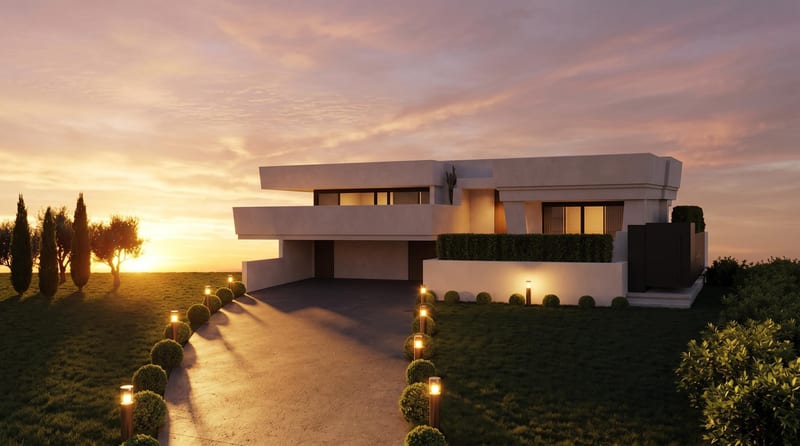
Convert a daytime architecture render into an evening render and a timelapse video for visualizing the same scene.
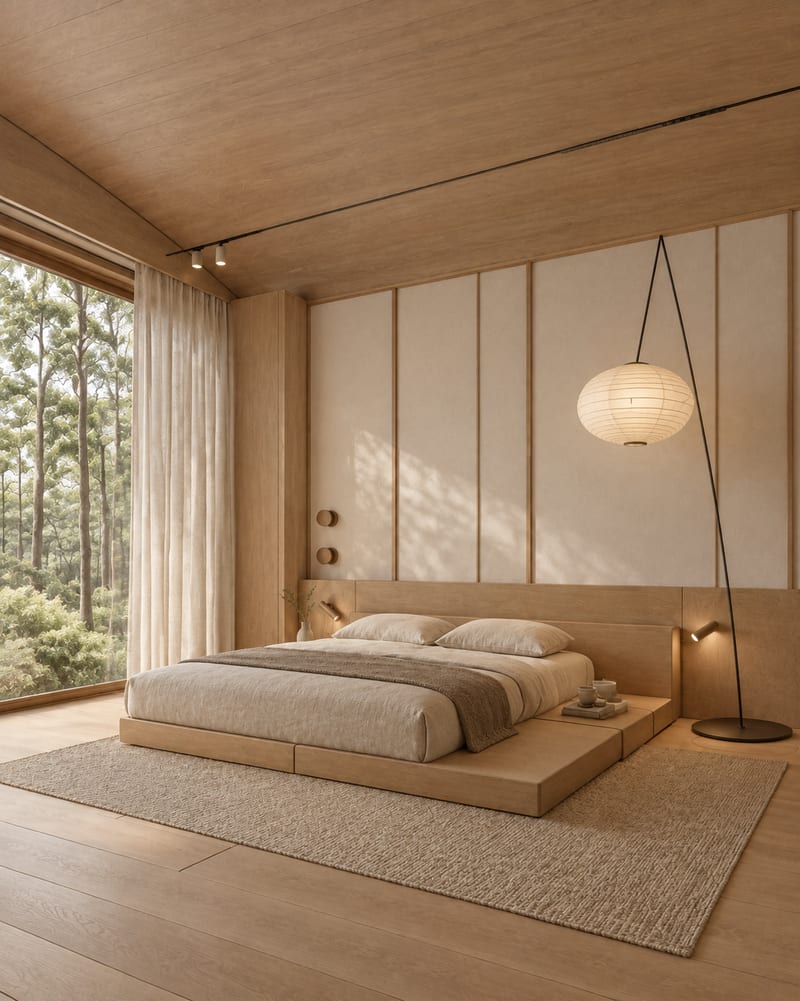
Upload one room image to explore Japandi, Art Deco Maximalist, Dark Academia, Classical, and Mid Century Modern variations.
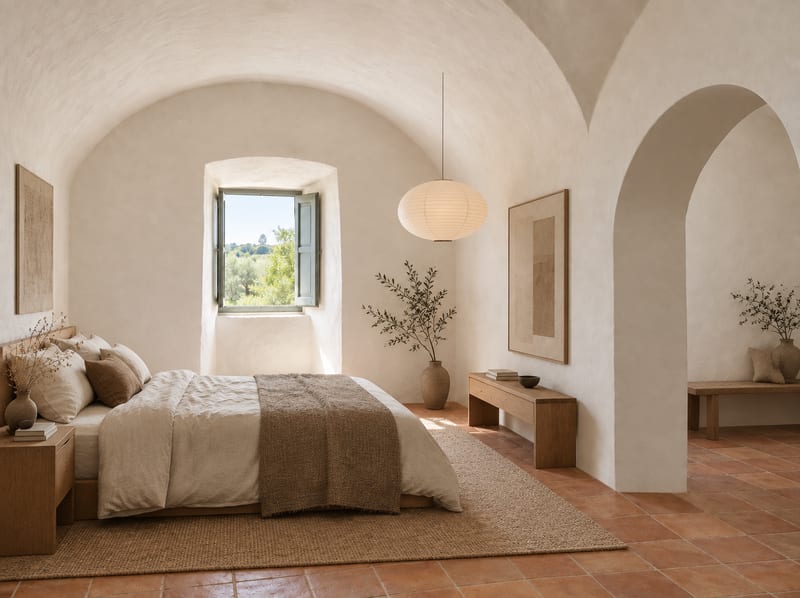
Turn an empty room image and room type into a Japandi-style furnished room concept.