Recipev2
Excuse Generator
Text
Excuse #1
Make the tool you're missing
Tools are here. Describe the one you're missing and use it live
Explore toolsAbsence messages
Enter a work or class context and optional absence details to generate three example messages for a boss or professor.
Excuse #1
A recipe turns a reusable workflow into a simple set of inputs and outputs. Start with a community recipe and make it your own in Fuser.
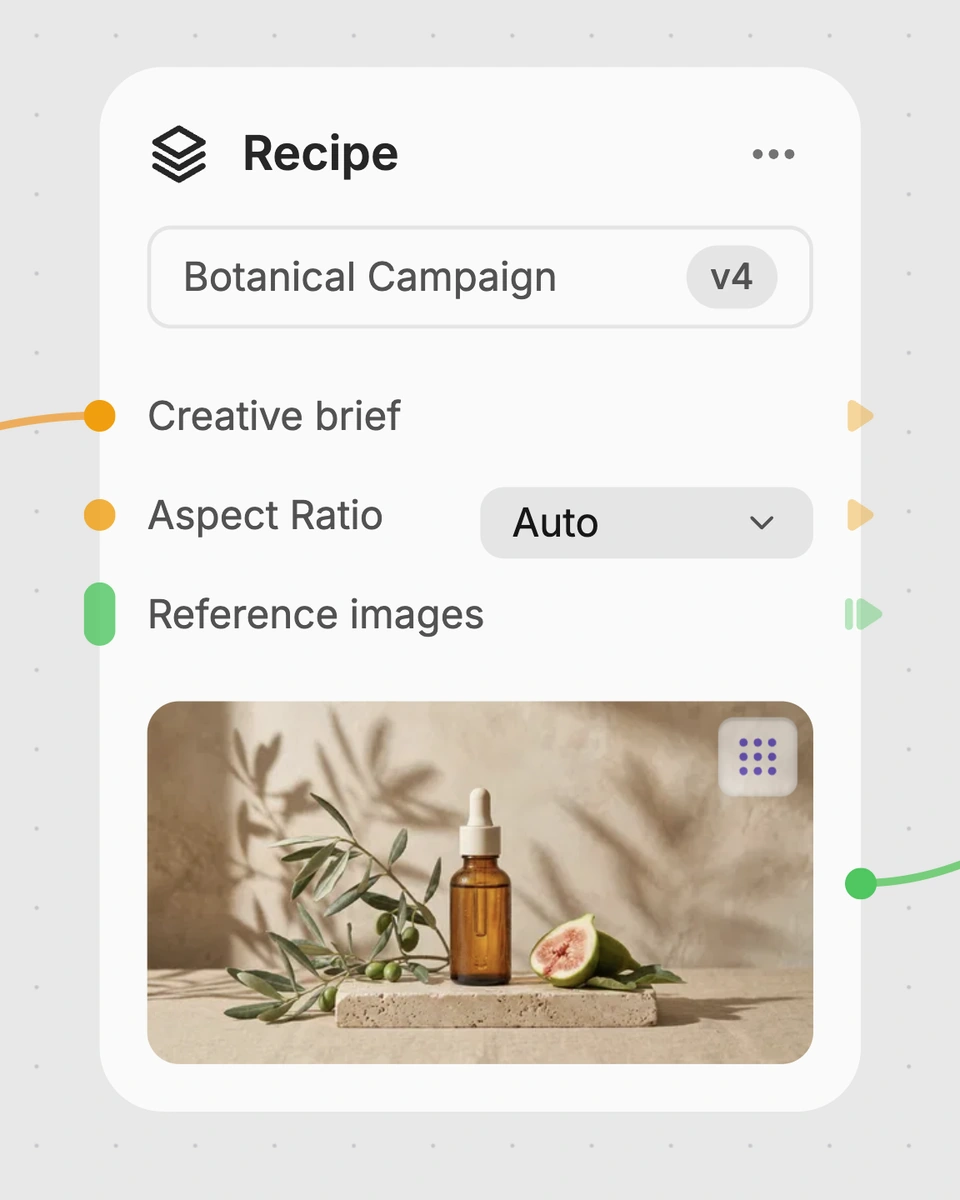
1. Choose a recipe
Find a workflow for the result you want. Review what it does and how to use it before opening it in Fuser.
2. Make it your own
Check the recipe’s available inputs. Add your own text or media where supported, or start with the saved defaults.
3. Run and refine
Run it in Fuser and review the result on your canvas. Tweak the inputs to try another direction.
Use the three generated text examples to review different ways to communicate an absence in workplace or academic settings.
It generates three example text messages from a context and optional absence details. The saved example uses “work” and produces workplace sick-day notifications in short and formal email-style formats.
It is intended for people preparing an absence message for a boss or professor. The outputs are starting-point examples that you can review and adapt before sending.
The recipe exposes two editable text inputs: “Text” for the main context and “Text 2” for optional details around the absence. You can change both inputs in Fuser before using the recipe.
The saved example connects the context “work” with no additional absence details and returns three workplace messages. They include a brief sick-day note and more formal versions with subject lines, greetings, and sign-offs.
Yes. The recipe description supports examples intended for either a boss or professor, so you can enter a class-related context and relevant details. The generated text should still be reviewed and adjusted for your institution’s expectations.
There are two exposed text inputs for context and optional details, but no separate format or tone control is listed. The saved example shows that the three outputs can include both concise and formal email-style responses.
No. It generates example messages only and does not verify facts, workplace policies, attendance rules, or whether a recipient will accept the explanation. Add only accurate details and confirm any required reporting process separately.
Sign in to Fuser to use the recipe with a work or class context and optional details around the absence.
Develop pitches, campaign assets and interactive client work in Fuser. Combine AI generation, editable design and reusable processes across your agency.
Create social graphics, carousel artwork and short videos with a recognizable brand style. Keep copy editable and recurring content easier to produce in Fuser.

Upload one photo to create two GTA 6 character images for social posts, profile concepts, or personal experimentation.
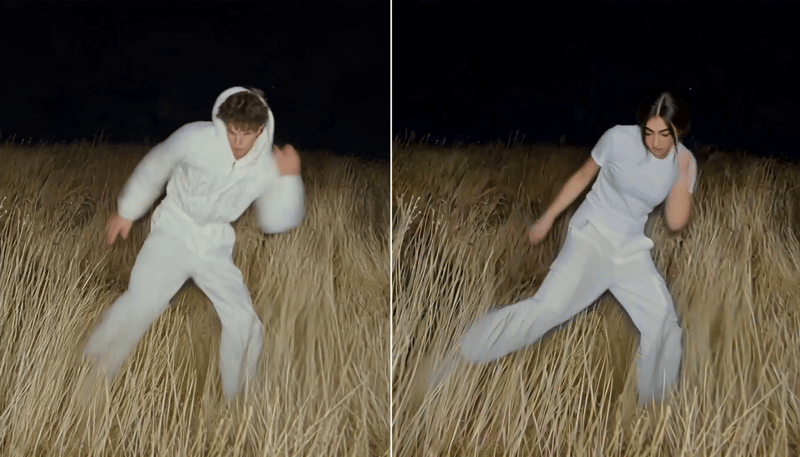
Replace the main character in a video using two character reference images to create a character-swapped video.
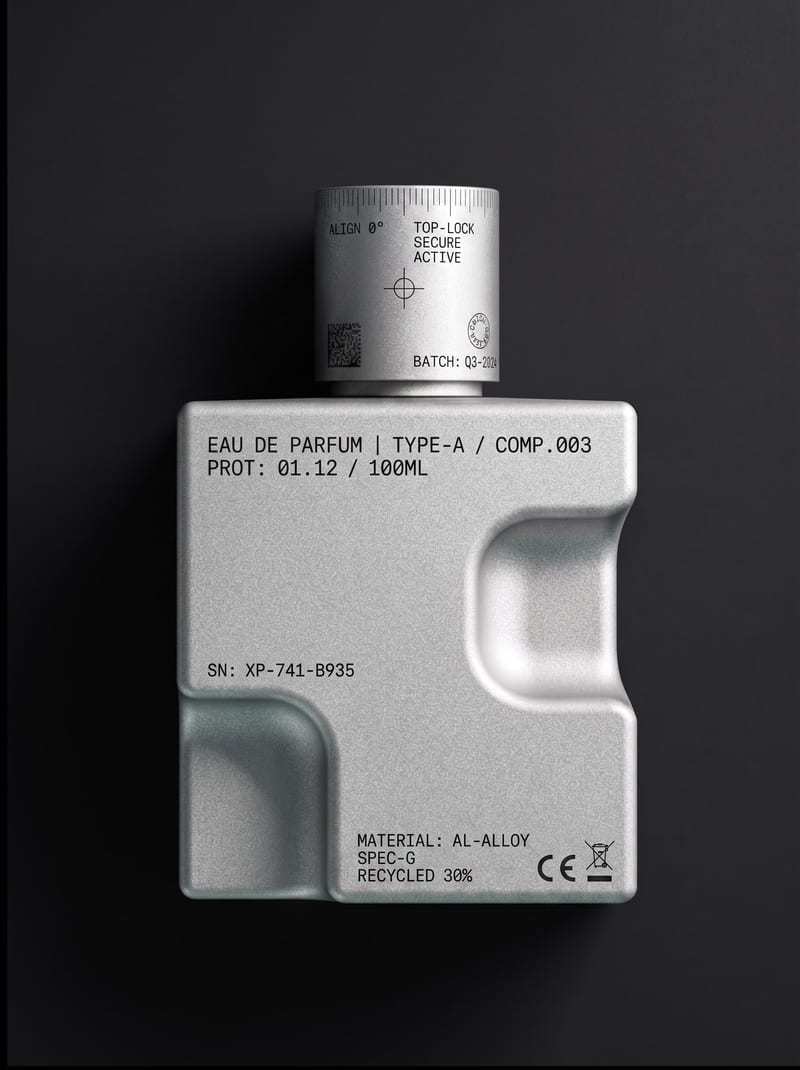
Upload an object or image and receive an image showing that object with micrographics added.