Recipev5
Render a Building on a Site
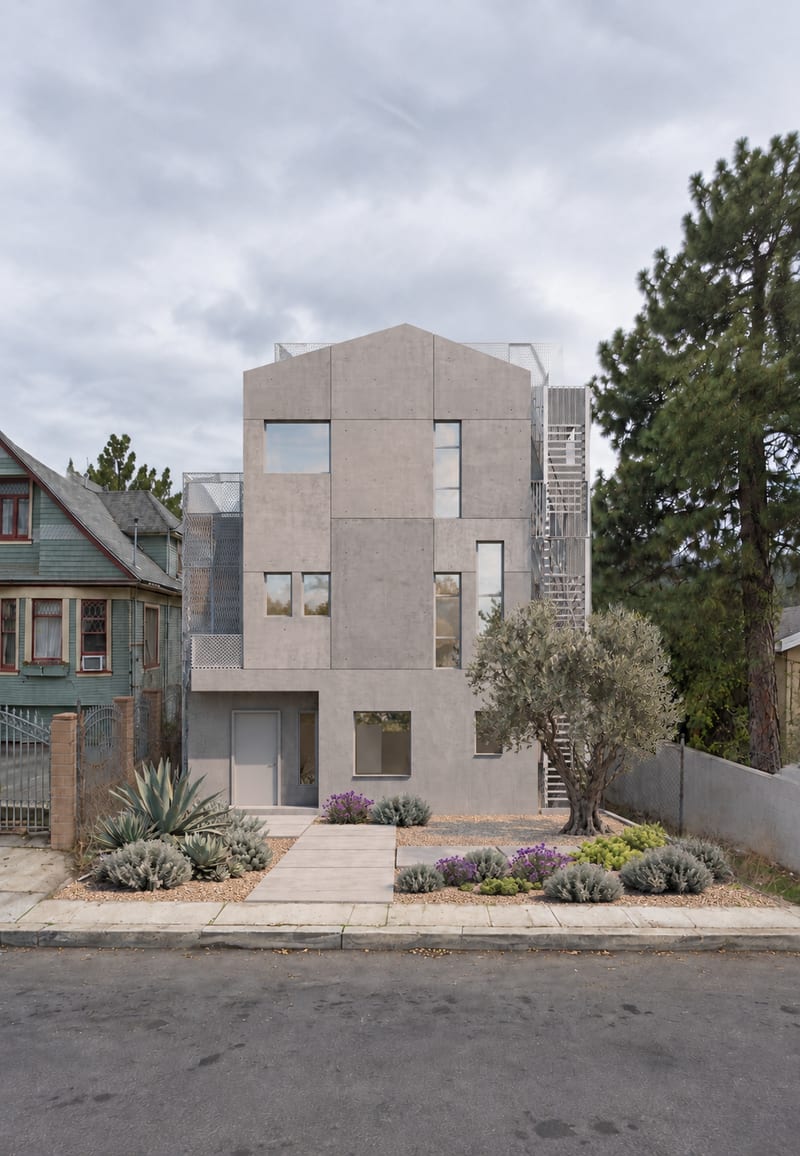
Site With Building
Make the tool you're missing
Tools are here. Describe the one you're missing and use it live
Explore toolsArchitecture & Spaces
Combine a site image and building rendering to create a site view with the building placed within it.
Site With Building
A recipe turns a reusable workflow into a simple set of inputs and outputs. Start with a community recipe and make it your own in Fuser.
1. Choose a recipe
Find a workflow for the result you want. Review what it does and how to use it before opening it in Fuser.
2. Make it your own
Check the recipe’s available inputs. Add your own text or media where supported, or start with the saved defaults.
3. Run and refine
Run it in Fuser and review the result on your canvas. Tweak the inputs to try another direction.
Use a site image and building rendering to explore architectural placement across planning and presentation tasks.
It is intended for people exploring architectural and spatial concepts, including early design studies, project discussions, and concept presentations. The recipe creates a site view by combining a site image with an image of a building.
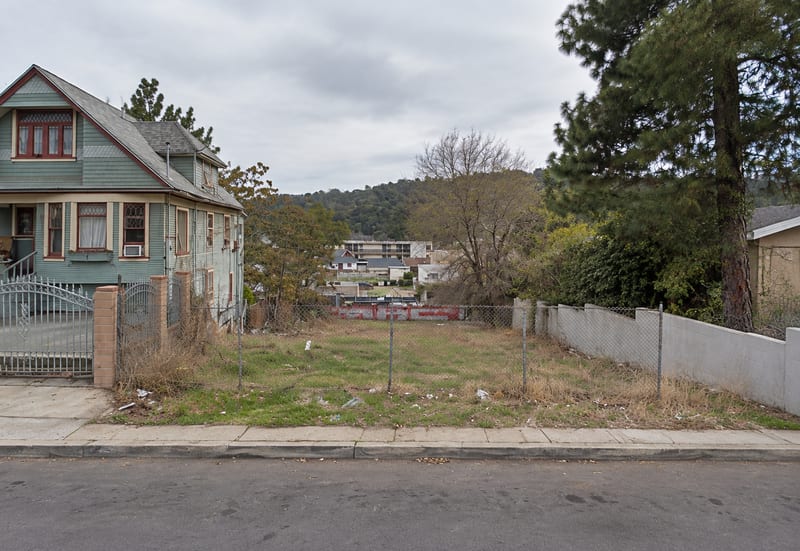
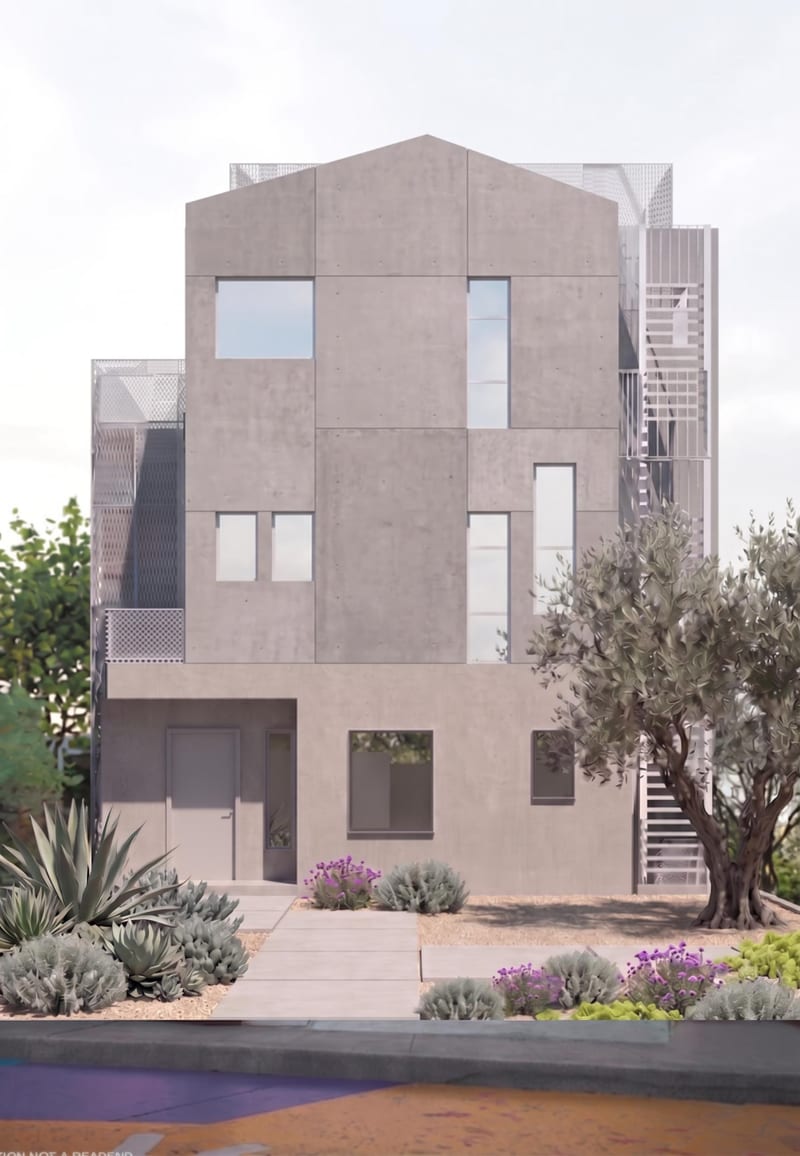
Prepare an Image of Site, such as a Google Maps screenshot, 3D site screenshot, camera photo, or phone photo. Also prepare a Building rendering showing the building you want to place on the site.
No. The recipe can be used with empty sites and with pictures that already show site context. The site image should provide the setting where the building is intended to appear.
A matching or similar perspective angle is preferred between the site image and building rendering. The saved example demonstrates the connection between these two image inputs; a new run uses the images you choose in Fuser.
The exposed inputs are Image of Site and Building rendering. In Fuser, you can replace either image to use a different site, building, or viewpoint.
The output is an image labeled Site With Building. It shows the selected building rendering placed within the selected site image, making the proposed relationship easier to present or discuss.
It is best suited to architectural context studies, early placement reviews, design conversations, and concept presentations. The result is an image-based site view rather than a substitute for detailed architectural, planning, or construction documentation.
Bring a site image and building rendering to Fuser to explore the proposed placement in context.
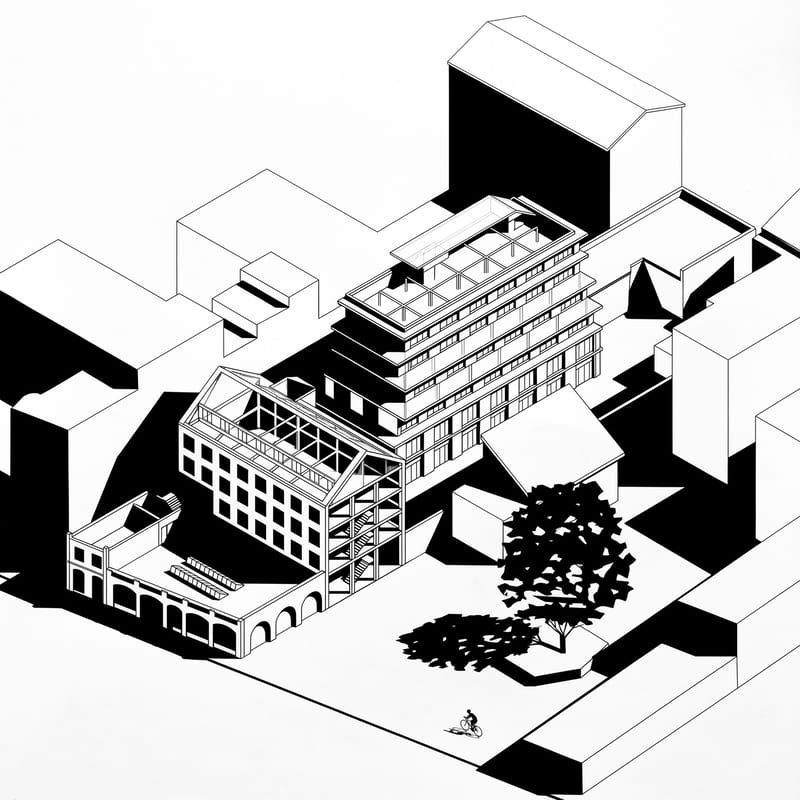
Upload an axonometric architectural drawing to create a black-and-white version with hard shadows, geometric silhouettes, and simplified details.
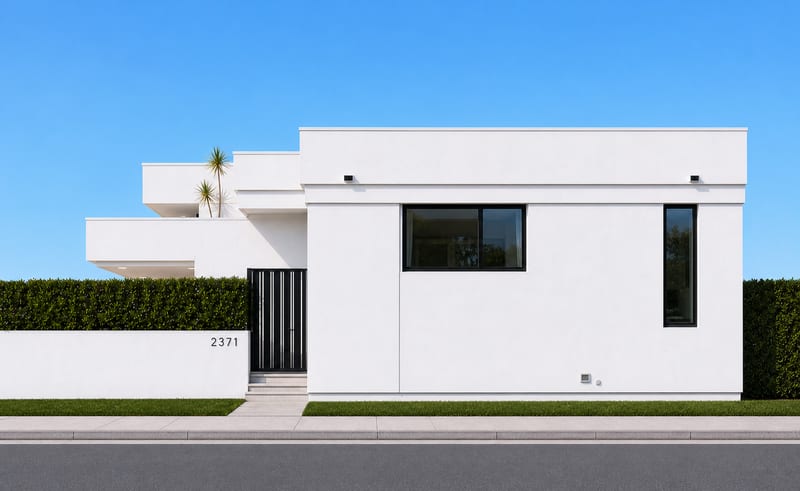
Upload a house photo to create four orthographic image views representing the building from each side.
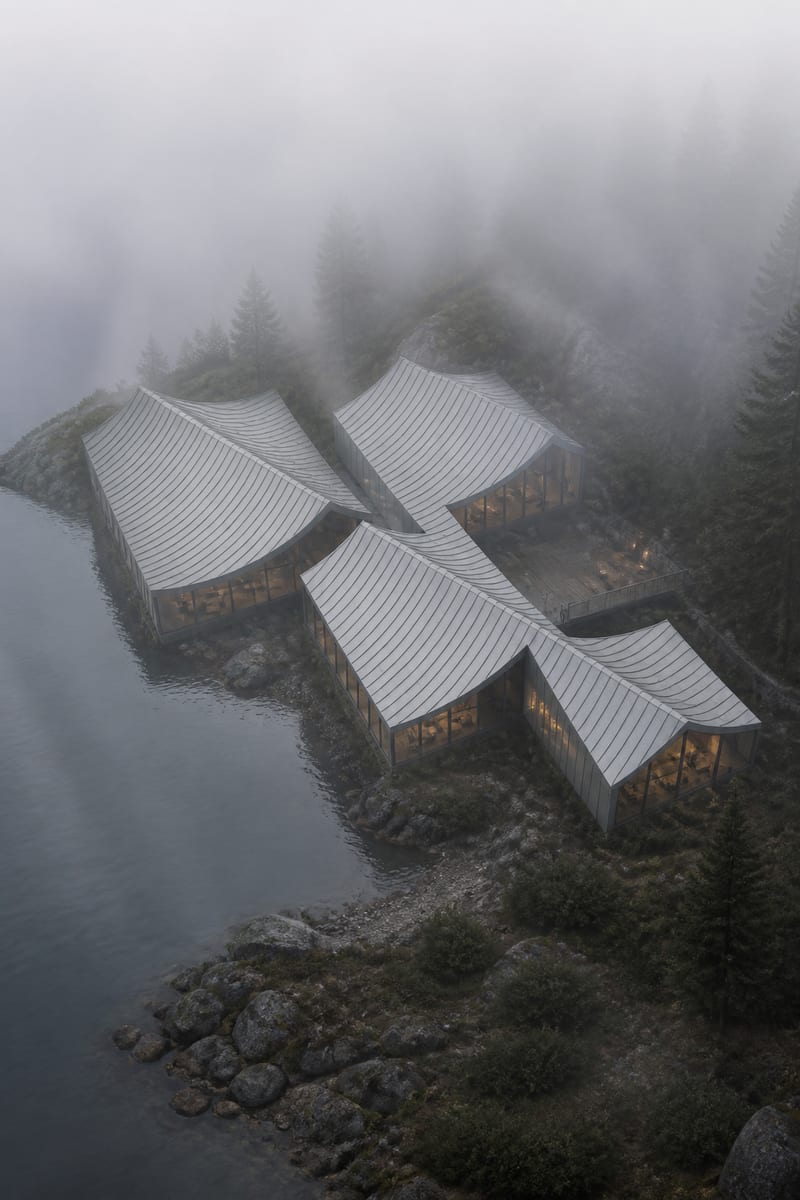
Turn a grayscale architecture model into a photorealistic, moody render with fog, cool tones, and atmospheric depth.