One click, whole workflow
Recipes are here. Package a whole workflow and run it in one click
Explore recipesOne click, whole workflow
Recipes are here. Package a whole workflow and run it in one click
Explore recipesComfyUI gives you full control of a local inference graph. If you want node-based workflows without installing and maintaining it, here are six alternatives and when ComfyUI is still the right call.
Quick answer: choose Fuser for a hosted, node-based canvas where generation, editable layouts and reusable workflows live together, with nothing to install. Choose Figma Weave, FLORA, Krea Nodes or Magnific Spaces for other hosted canvases, and Invoke if you want to stay open source and local. Keep ComfyUI when your own checkpoints, custom Python nodes or offline operation are essential.
ComfyUI is free, open-source software with a huge ecosystem: its site cites more than 60,000 community nodes and thousands of shared workflows. It exposes every parameter of the graph, and you can run it locally with Comfy Desktop or in the browser with Comfy Cloud, which also offers a simplified App Mode (Comfy).
That power has a cost. Running locally means managing a GPU, model files and custom-node dependencies. Handing a graph to a designer who does not want to see every sampler setting is hard. And the output of the graph is usually an image or video file, not a finished, editable layout. Most people searching for an alternative want one of three things: no installation, a canvas the whole team can use, or a way to finish the design in the same place.
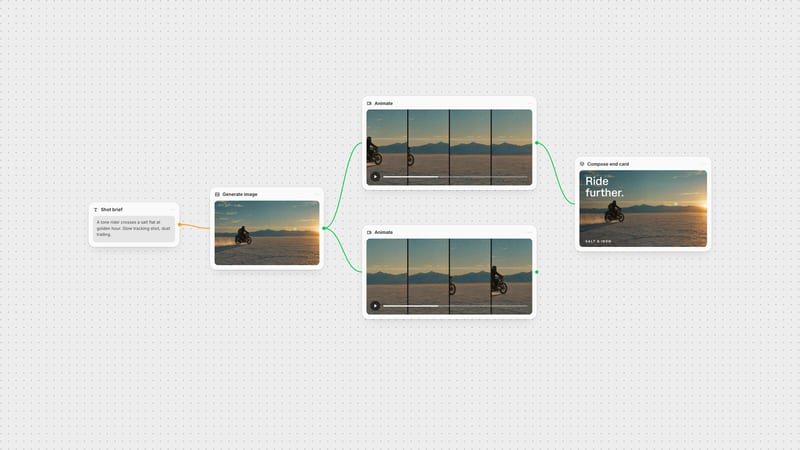
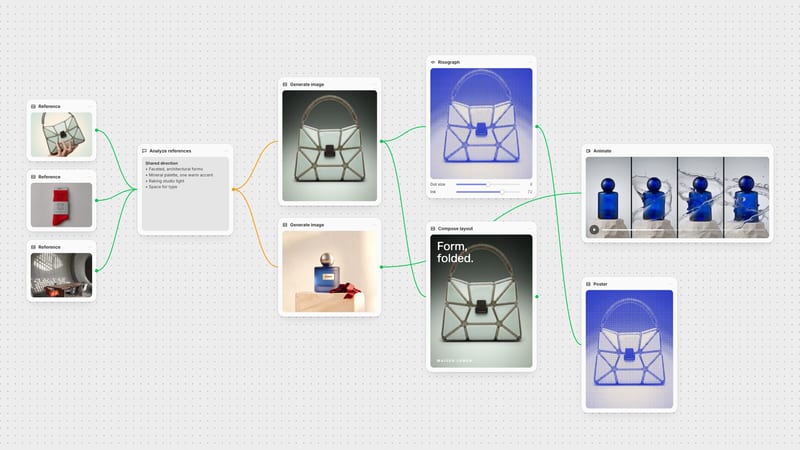
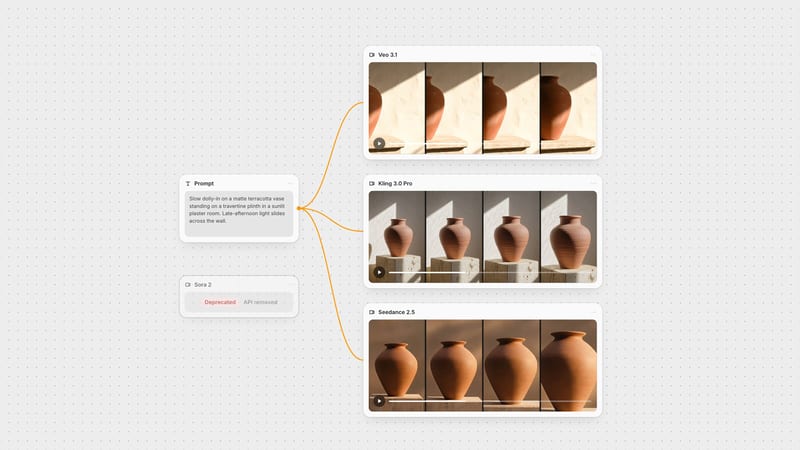
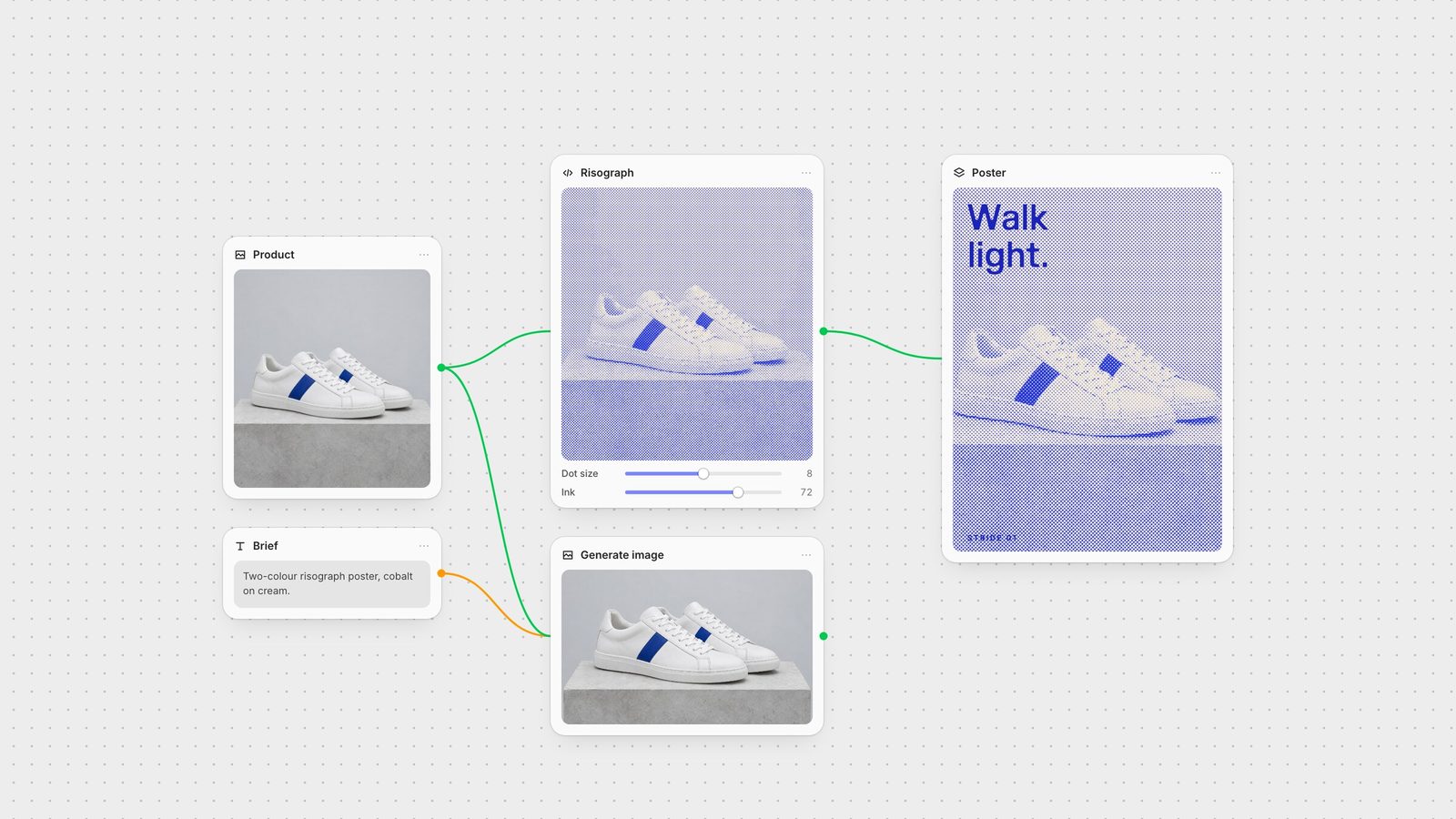
Fuser is a node-based AI workflow builder on an infinite canvas, built for creative teams. It is hosted, so there is no local installation; you connect supported image, video, 3D, audio and language models as nodes.
The difference from ComfyUI shows up after generation. The Compositor keeps images, footage, text and logos on editable layers and exports PNG or MP4 (Compositor docs). A working graph becomes a Recipe, a reusable node with chosen inputs and outputs that a teammate can run without opening the graph. And when you need a tool nobody ships, Creative Code builds an adjustable visual instrument and Apps builds running web tools connected to the canvas.
Choose it when: you want ComfyUI-style composition without maintaining it, and the job ends in a finished campaign asset. Read the full Fuser vs ComfyUI comparison.
Figma Weave, formerly Weavy, combines node-based generation across many model providers with layers, type, blends, masks, inpainting, relighting and depth extraction. Its Workflow-to-Tool feature generates a simplified interface from a complex workflow.
Choose it when: editing generated images is central to the work. See Fuser vs Figma Weave.
FLORA is an AI canvas for designers, brand teams and agencies, with more than 50 models under one plan, real-time collaboration and reusable Techniques. Techniques do the job Fuser Recipes do: package a workflow so it runs again with new inputs.
Choose it when: its Techniques library fits your jobs. See Fuser vs FLORA.
Krea Nodes chains Krea's generation, enhancement and upscaling tools, runs models in parallel and shares templates, with App Builder, Nodes Agent and LoRA training alongside.
Choose it when: Krea's own tools already anchor your workflow. See Fuser vs Krea.
Magnific Spaces, formerly Freepik Spaces, is a node canvas for image and video with real-time collaboration and ready-made templates, sitting inside Magnific's broader suite and stock library.
Choose it when: licensed stock is part of every brief. See Fuser vs Magnific Spaces.
Invoke is a free, open-source, self-hosted image generation app under the Apache 2.0 licence, with a layer-based canvas and node workflows for Flux, SDXL and other models. Its official hosted service has been discontinued; the project is now maintained by its community.
Choose it when: you want local, open-source control like ComfyUI but prefer a canvas-first interface.
Keep ComfyUI if you train or fine-tune your own checkpoints, depend on specific custom nodes, need to work offline, or want to inspect and control every step of inference. Comfy Cloud is worth testing if the only problem is local hardware. A hosted creative canvas trades some of that low-level control for speed, collaboration and finishing tools.
Rebuild one real graph in each candidate: a product reference, a style treatment and a final layout with copy. Check whether you can reach the same result without installing anything, whether a teammate can rerun it with a new input, and whether the final design is still editable. For a wider comparison, read the best node-based AI tools.
Where each option fits and what to check first. Product details verified on 28 September 2026.
| Tool | Choose it for | Check before choosing |
|---|---|---|
| Hosted canvases | ||
| Fuser | Generation, editable Compositor layouts, Recipes and custom tools on one hosted canvas. | Uses supported hosted models rather than your own local checkpoints. |
| Figma Weave | Node generation plus layers, masks, relighting and Workflow-to-Tool. | Weave's plans are separate from Figma's. |
| FLORA | A shared canvas with 50+ models and Techniques. | Match its Techniques library to your jobs. |
| Krea Nodes | Workflows around Krea's generation and enhancement tools. | Krea Apps package workflows; compare them with Fuser Recipes. |
| Magnific Spaces | Node workflows beside a stock library. | Check which plans include stock assets. |
| Local options | ||
| Invoke | Open-source, self-hosted canvas and node workflows. | No official hosted service; you run it. |
| ComfyUI | Full local control, custom nodes and your own checkpoints. | You maintain hardware and dependencies, or pay for Comfy Cloud. |
We recommend Fuser for creative teams: it is a hosted node-based canvas that adds editable Compositor layouts, reusable Recipes and custom tools. Figma Weave, FLORA, Krea Nodes and Magnific Spaces are also hosted node canvases with different strengths.
Yes. Invoke is free, open-source and self-hosted under the Apache 2.0 licence, with a layer canvas and node workflows. Its official hosted service has been discontinued, so you run it yourself.
Hosted canvases such as Fuser run supported hosted models rather than arbitrary local checkpoints and Python nodes. If those are essential, stay with local ComfyUI or Invoke.
The open-source ComfyUI application is free to run locally on your own hardware. Comfy Cloud is a separate hosted service with a free tier and paid plans.
A Recipe packages a Fuser graph as a reusable node with chosen inputs and outputs, so a teammate can run it with new inputs without opening the underlying graph. ComfyUI's App Mode offers a simplified view of a workflow in a similar spirit.
Start with a working Recipe, then open the graph and make it yours.