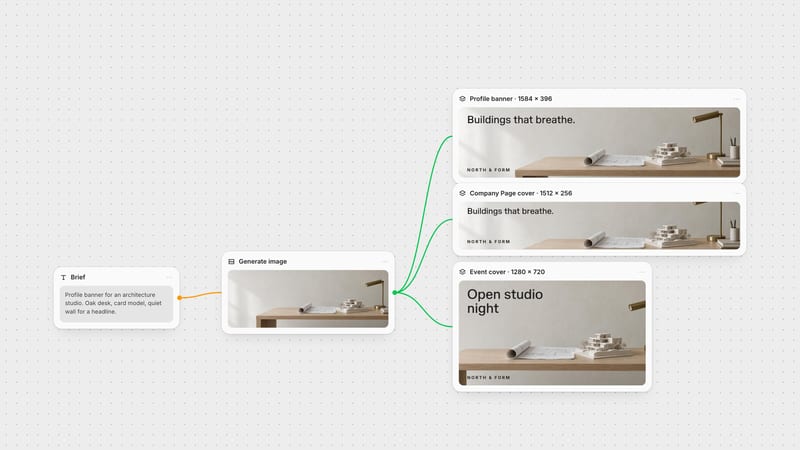
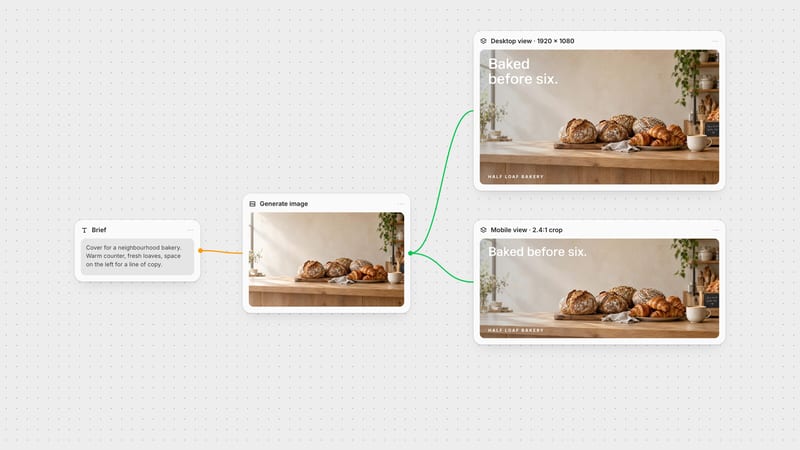
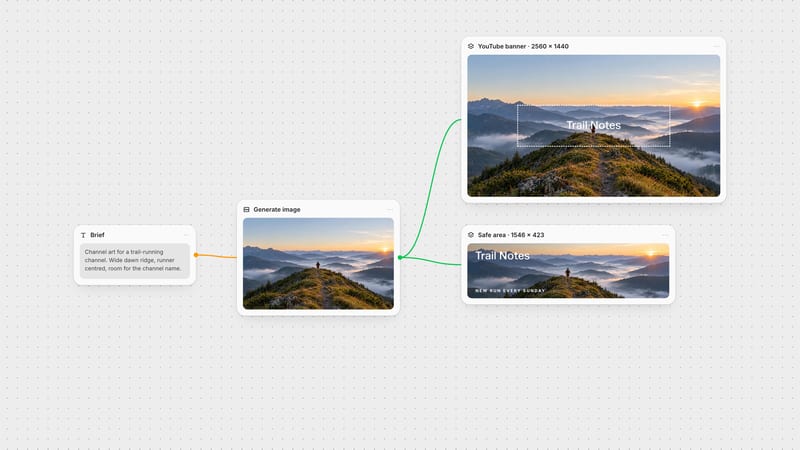
One click, whole workflow
Recipes are here. Package a whole workflow and run it in one click
Explore recipesOne click, whole workflow
Recipes are here. Package a whole workflow and run it in one click
Explore recipesThe official X header and profile photo sizes, where X crops the header and hides it behind your avatar, and how to export a 1500 × 500 header that keeps every word visible.
All guides · Social media image sizes
Quick answer: the X (formerly Twitter) header is 1500 × 500 pixels, a 3:1 ratio, uploaded as JPEG, PNG or GIF. X may crop up to 60 px from the top and bottom depending on the screen, and your profile photo overlaps the lower left (X Help). Put your wordmark and message in the middle band, right of centre.
Header: 1500 × 500 px (3:1). JPEG, GIF or PNG.
Header cropping: up to 60 px may be trimmed from the top and bottom, depending on monitor and browser.
Profile photo: 400 × 400 px, displayed as a circle, max 2 MB, JPEG, GIF or PNG.
In-post images: up to four photos per post, 5 MB each; GIFs up to 15 MB on the web (X developer docs). X does not publish a recommended pixel size for in-post images; 16:9, 1:1 and 4:5 all display, and previews are centre-cropped.
Two things cover parts of a 1500 × 500 header:
Crop bands. The top and bottom 60 px (12% of the height each) may not show. That leaves a reliable 1500 × 380 px band.
The profile photo. Your avatar overlaps the lower left of the header. Keep that corner as texture or empty space.
The safest area for text is the centre and right of the middle band: away from both edges and clear of the avatar.
Put the brand right of centre. The avatar anchors the left, so a wordmark on the right balances the profile.
Use one line of copy at most. On mobile the header shrinks to a thin strip; one short phrase stays legible.
Match the avatar. A header built from the same image or palette as the profile photo reads as one identity.
Export JPG for photos, PNG for graphics. Flat logos stay crisp as PNG; photographic headers are lighter as JPG.
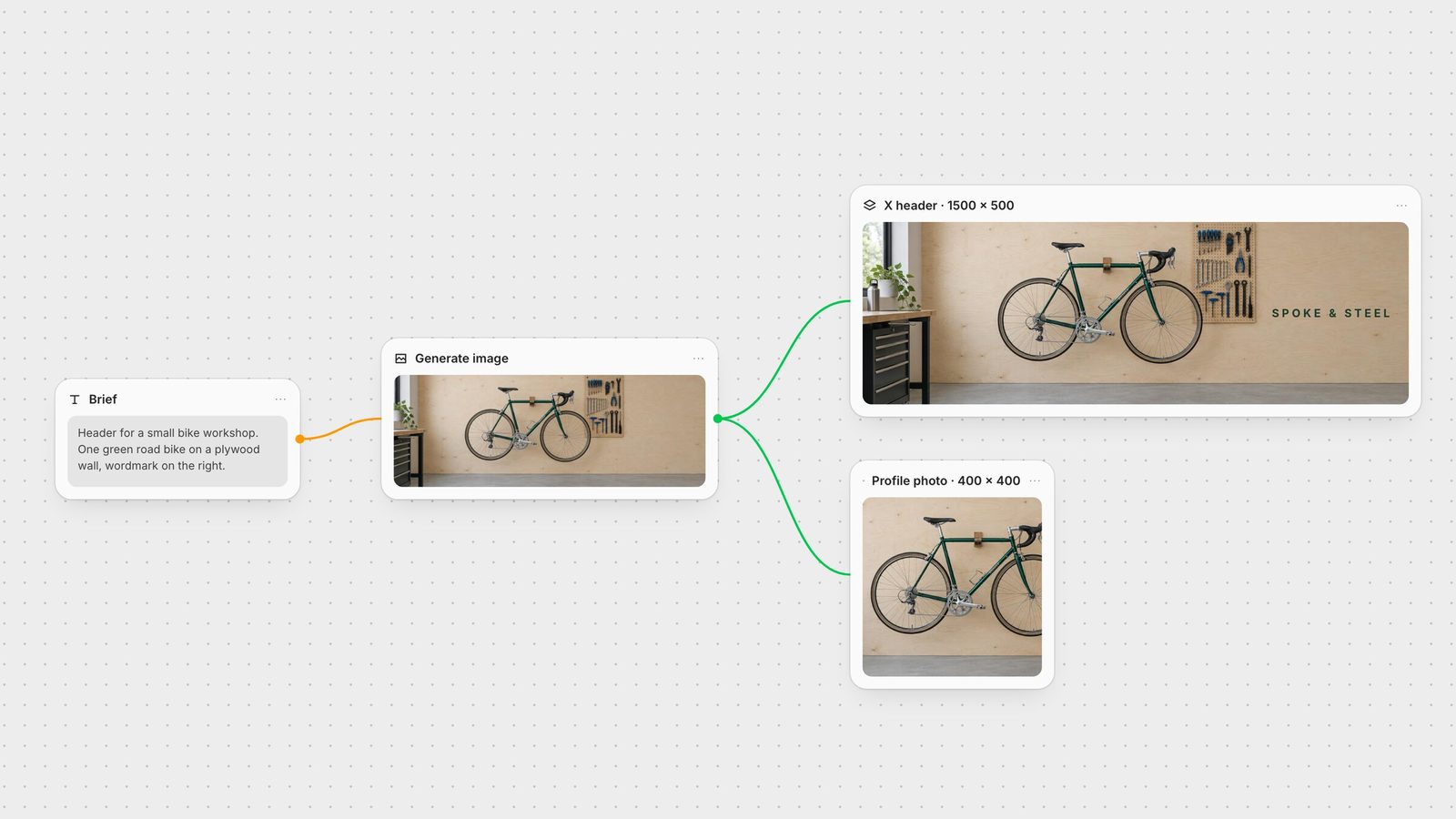
Generate a wide image with the subject in the middle band and quiet space at top and bottom. In Fuser, use GPT Image or another image model on the canvas.
Set the Compositor canvas to 1500 × 500. Width and Height accept any value from 1 to 4095 px (Compositor docs). Add the wordmark as a separate text layer inside the safe band.
Crop the profile photo from the same source. A second Compositor canvas at 400 × 400 turns a detail of the header image into a matching avatar.
Export PNG at the canvas size; the file saves to your project's media library (export docs).
The same Compositor workflow produces your LinkedIn banner, YouTube banner and Facebook cover from one image.
From X's help centre and developer docs, checked on 28 September 2026.
| Placement | Size | Watch out for |
|---|---|---|
| Profile | ||
| Header | 1500 × 500 px (3:1) | Up to 60 px cropped top and bottom; avatar covers the lower left. |
| Profile photo | 400 × 400 px | Circle crop, max 2 MB. |
| Posts | ||
| Photos | Up to 4 per post, 5 MB each | Previews are centre-cropped. |
| GIFs | Up to 15 MB on web | One GIF per post. |
1500 × 500 pixels, a 3:1 ratio, uploaded as JPEG, PNG or GIF.
X may crop up to 60 pixels from the top and bottom of the header depending on the screen, and the profile photo covers the lower left. Keep text in the middle band, right of centre.
400 × 400 pixels, displayed as a circle, with a 2 MB maximum.
X does not publish a recommended pixel size for in-post images. Landscape 16:9, square 1:1 and portrait 4:5 all display; each photo can be up to 5 MB and a post can hold four.
Generate once, then compose your X header, avatar and banners at exact sizes in Fuser.