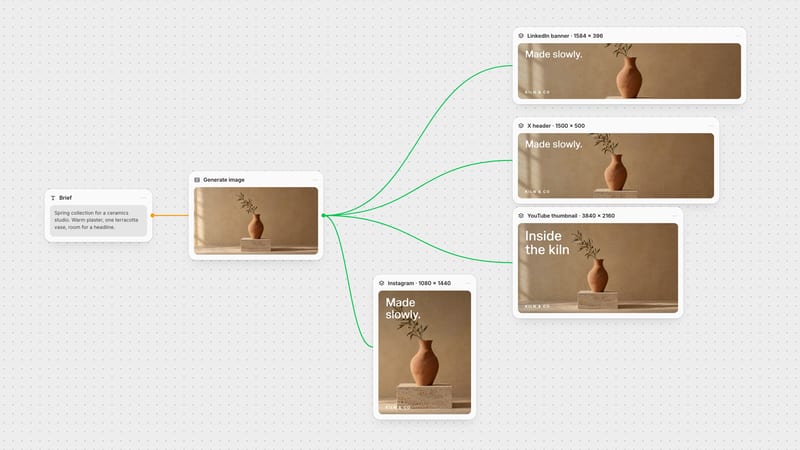
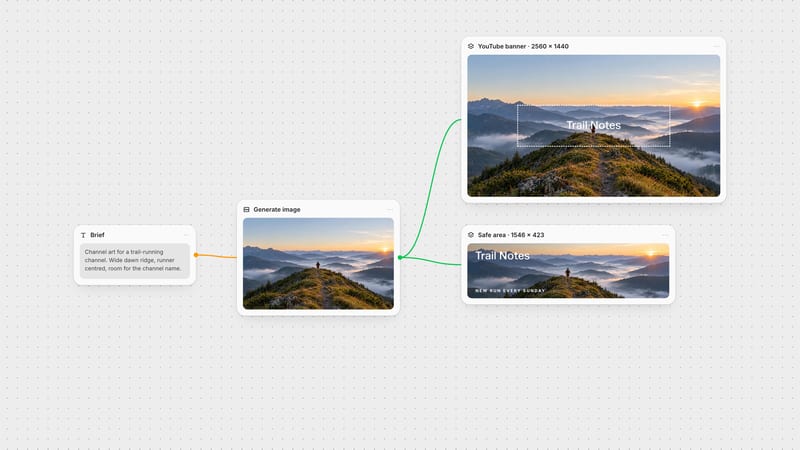
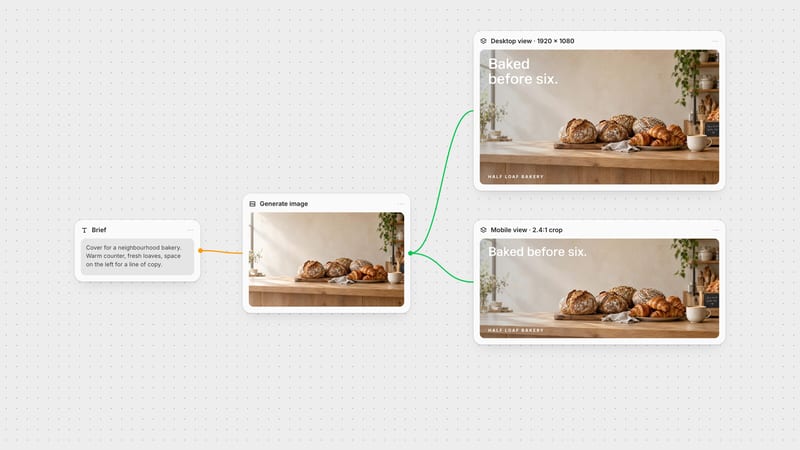
One click, whole workflow
Recipes are here. Package a whole workflow and run it in one click
Explore recipesOne click, whole workflow
Recipes are here. Package a whole workflow and run it in one click
Explore recipesThe LinkedIn profile banner is 1584 × 396 px. Here are the current sizes for every LinkedIn cover and post image, where the profile photo lands, and a workflow for exporting exact pixels.
All guides · Every social image size
Quick answer: the LinkedIn profile banner (background photo) is 1584 × 396 pixels, a 4:1 ratio, uploaded as a JPG or PNG under 8 MB (LinkedIn Help). A Company Page cover is a different shape: 1512 × 256 pixels, max 3 MB. Event covers must be 16:9, such as 1280 × 720.
Those three placements are the ones people mix up most. A design made for your profile will be squashed onto a Company Page, and an old 4:1 event banner no longer fits at all.
The background photo on a personal profile is 1584 × 396 px. Treat the whole rectangle as visible on desktop, but remember that your circular profile photo is placed over the lower left of the banner, and that the banner is shown smaller on mobile. Keep the lower-left corner free of text and logos, and put your headline either top left or in the right half.
A practical layout for a 4:1 banner:
Right half: the subject, whether that is a product, a workspace or a portrait.
Upper left: a short headline, six words at most. It has to survive being shown at a small size on phones.
Lower left: background only. The profile photo covers it.
Contrast: LinkedIn's interface is white or dark depending on the viewer's theme, so give the banner its own edge rather than relying on a white background.
Company Pages use a much flatter shape: 1512 × 256 px, about 5.9:1, in PNG or JPEG up to 3 MB (LinkedIn Help). That is shallower than the profile banner, so a design made at 4:1 loses its top and bottom when it is reused here. Build the company cover as its own canvas. The Company Page logo is a separate 400 × 400 px image.
Some third-party guides list the company cover as 4200 × 700. LinkedIn's own specification is 1512 × 256, and that is the size to design at.
LinkedIn now requires event cover images to be 16:9, recommending 1280 × 720 px with a minimum width of 480 px (LinkedIn Help). Many guides still quote 1776 × 444, a 4:1 shape from the old event layout. If you reuse your profile banner for an event, it will not fit.
Feed images: anything between 3:1 and 4:5 displays; wider than 3:1 is centred and cropped. The minimum is 552 × 276 px and uploads are capped at 5 MB (LinkedIn Help). A 1080 × 1350 portrait takes the most space in a mobile feed.
Ads: landscape 1200 × 628, square 1200 × 1200 and portrait 720 × 900 are LinkedIn's recommended ad sizes (LinkedIn Marketing Help).
Article and newsletter covers: 1920 × 1080 px (16:9). GIFs are no longer accepted as covers (LinkedIn Help).
Profile photo: at least 400 × 400 px, PNG or JPG up to 8 MB. GIFs are not supported (LinkedIn Help).
Image models generate at their own supported shapes. GPT Image, for example, accepts ratios up to 3:1, so a 4:1 banner can't come straight out of the model. Treat the generated image as a layer and finish the banner at LinkedIn's pixels.
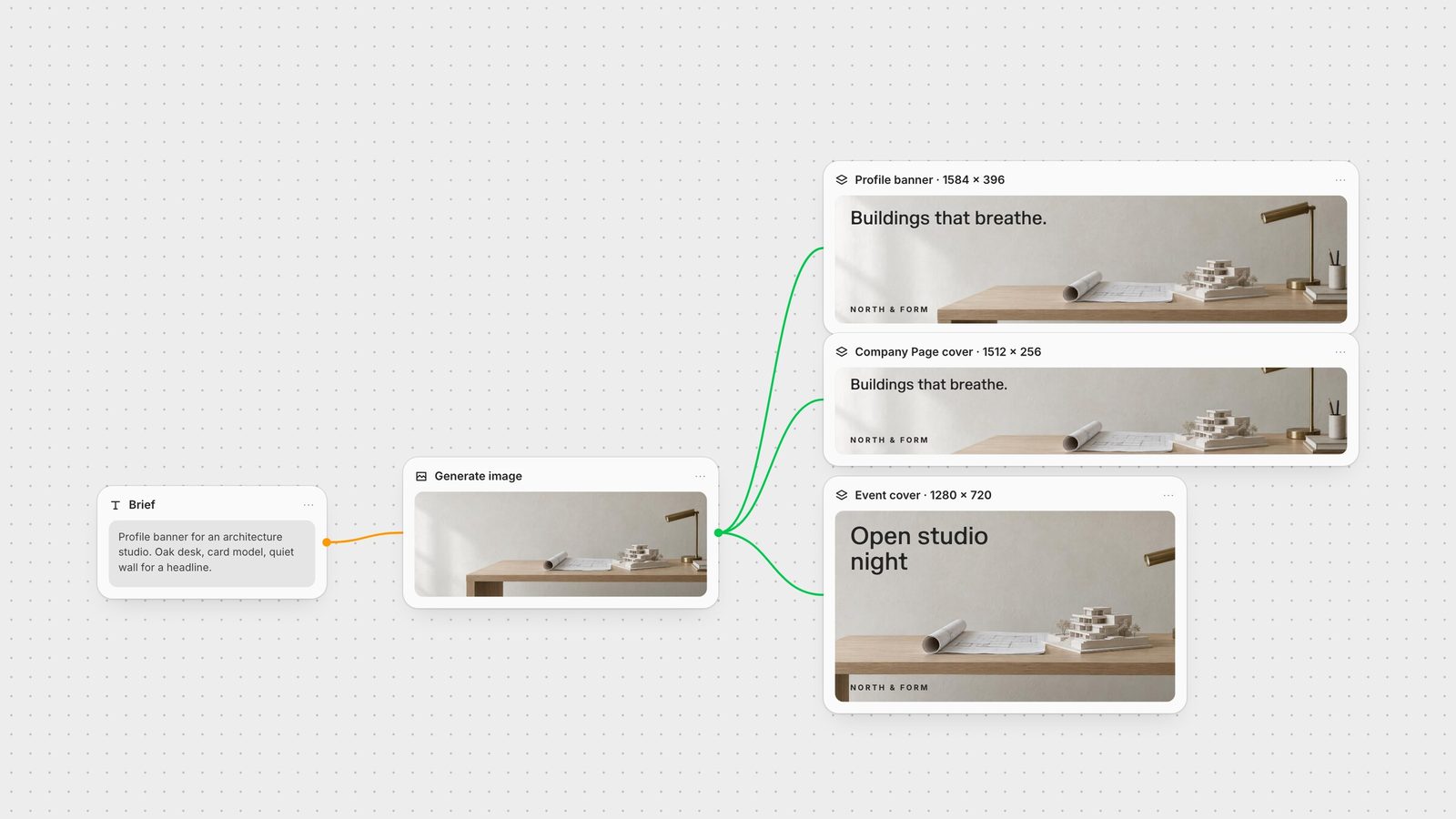
Generate a wide source image. On a Fuser canvas, prompt GPT Image or another image model for a wide scene with the subject on the right and quiet space on the left.
Open a Compositor at 1584 × 396. In the Compositor, set the canvas Width to 1584 and Height to 396 (Compositor docs). Drop the image in, scale it to fill and slide it until the subject clears the profile-photo corner.
Add the headline and logo as layers. Type stays sharp and editable, so you can change the line next quarter without regenerating the image.
Branch the other covers. Connect the same image to a second Compositor at 1512 × 256 for the Company Page and a third at 1280 × 720 for events. If a crop loses the subject, pass the sized frame to GPT Image with size set to Auto so it follows that frame, then drop the result back on the exact-size canvas.
Export PNG. Export renders at the canvas dimensions and saves the file to your project's media library, ready to upload to LinkedIn (export docs).
The same canvas can also produce your X header and YouTube banner from the same source image.
LinkedIn's own recommended sizes, checked on 28 September 2026.
| Placement | Size | Limits and notes |
|---|---|---|
| Covers and banners | ||
| Profile banner | 1584 × 396 px (4:1) | JPG or PNG under 8 MB. Profile photo covers the lower left. |
| Company Page cover | 1512 × 256 px | PNG or JPEG, max 3 MB. |
| Event cover | 1280 × 720 px (16:9 required) | Minimum width 480 px. |
| Article or newsletter cover | 1920 × 1080 px (16:9) | GIFs not accepted. |
| Profile and posts | ||
| Profile photo | 400 × 400 px minimum | Up to 8 MB; no GIFs. |
| Company Page logo | 400 × 400 px | Min 268 × 268 px, max 3 MB. |
| Feed image | 1080 × 1350 px (4:5) for most space | 3:1 to 4:5 displays; min 552 × 276 px; 5 MB. |
The LinkedIn profile banner is 1584 × 396 pixels, a 4:1 ratio, uploaded as a JPG or PNG under 8 MB.
No. A Company Page cover is 1512 × 256 pixels with a 3 MB limit, which is flatter than the 4:1 profile banner. Design each at its own size.
LinkedIn requires event covers to be 16:9. Use 1280 × 720 pixels; the minimum width is 480 pixels. The older 1776 × 444 size no longer fits.
The circular profile photo overlaps the lower left of the banner, so keep text and logos out of that corner.
Usually because it was made at a different size and scaled. Export at exactly 1584 × 396 pixels, keep important content away from the lower-left corner and upload a file under 8 MB.
Generate the image, set the Compositor to 1584 × 396 and export every LinkedIn cover from the same source.