One click, whole workflow
Recipes are here. Package a whole workflow and run it in one click
Explore recipesOne click, whole workflow
Recipes are here. Package a whole workflow and run it in one click
Explore recipesbyBlack Forest Labs
Direct multi-second cinematic sequences with synchronized atmospheric audio, deterministic keyframe interpolation, and seamless video extensions
From prompt direction and reference framing to draft validation and high-fidelity rendering.
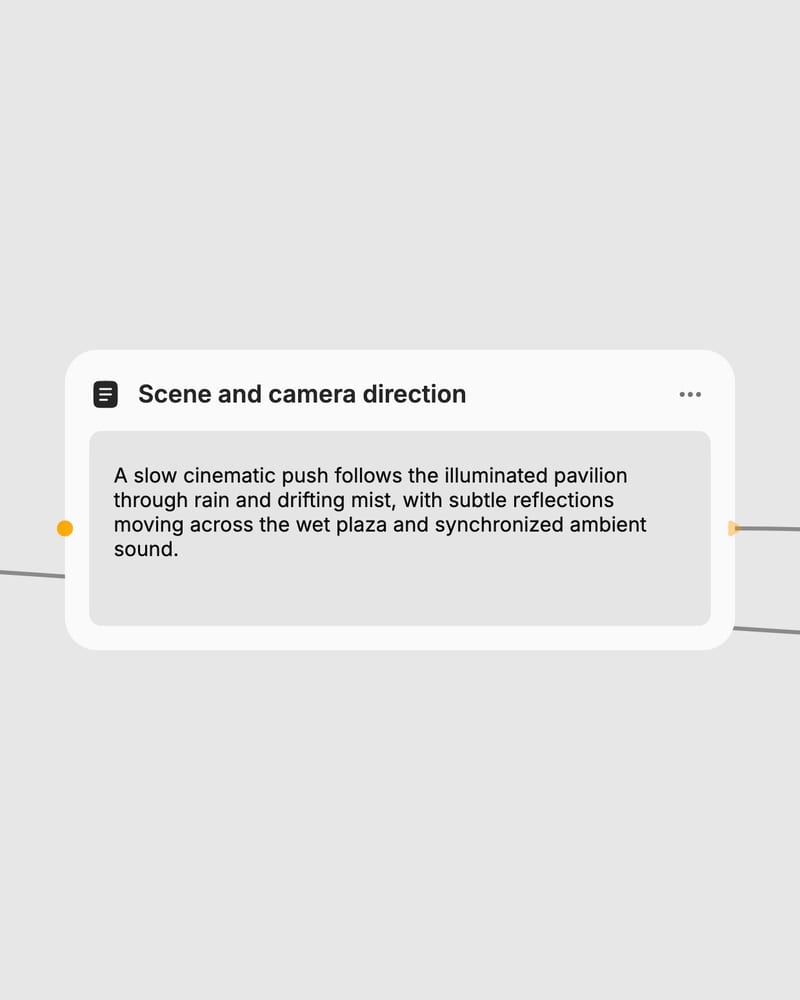
Frame the scene
Describe your visual action, camera trajectory, and desired soundscape, or upload start, end, or extension video clips.
Set duration and fidelity
Select duration from 5 to 20 seconds, choose aspect ratio, and toggle draft mode for rapid low-cost blocking.
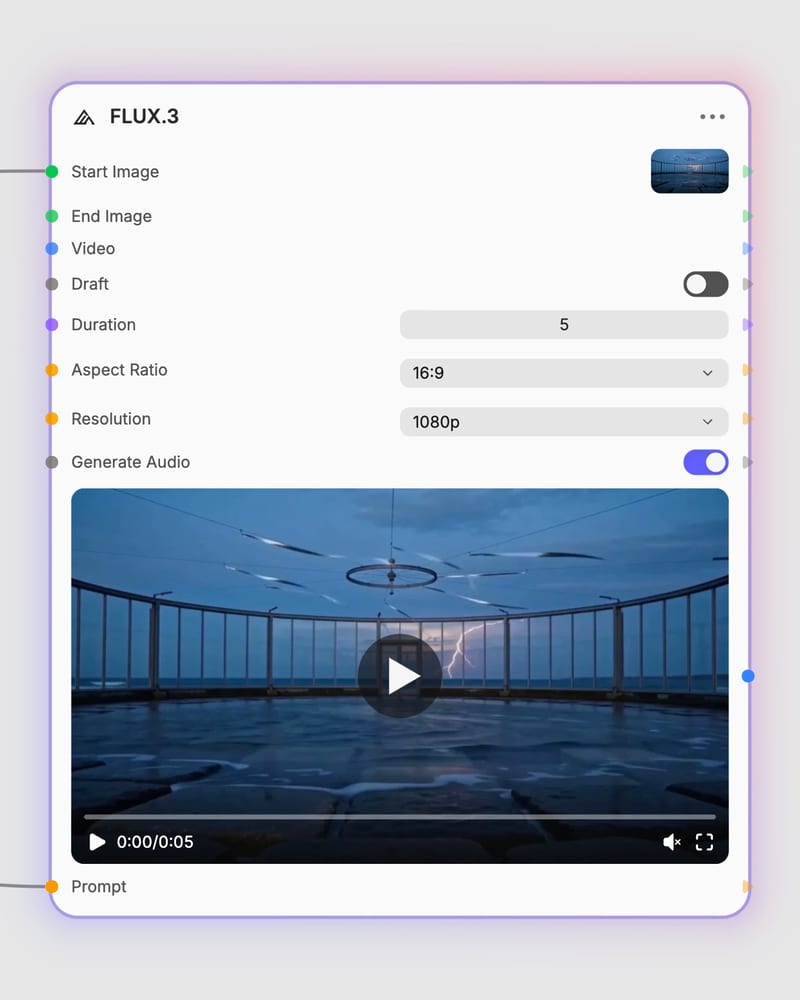
Generate audiovisual video
Produce your multimodal sequence up to 1080p with synchronized environmental audio and realistic physics.
Engineered for end-to-end audiovisual generation, precise keyframe control, and seamless narrative extensions.
A collection of cinematic takes, physical simulations, and product moments generated with native spatial audio.
How directors, sound designers, and creative studios deploy extended multimodal video generation.
Draft mode renders at 720p preview resolution with faster turnaround and substantially lower credit cost, making it ideal for checking camera velocity, shot pacing, and audio timing. Standard mode delivers full-fidelity 1080p output with refined surface micro-textures and pristine dynamic motion for client-ready delivery.
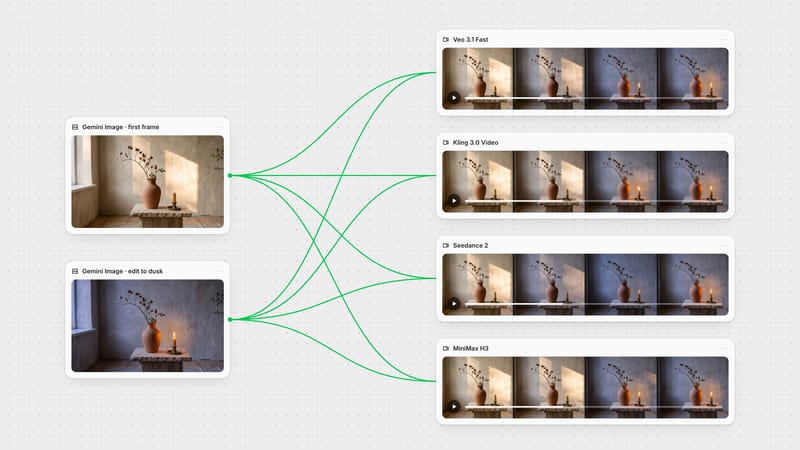
Use text-to-video when generating an entirely new scene from scratch. Use first-and-last frame mode when you have two distinct reference images and need deterministic interpolation between them—such as building seamless looping clips with identical start and end frames, or guiding a deliberate visual transformation across 5 to 20 seconds.
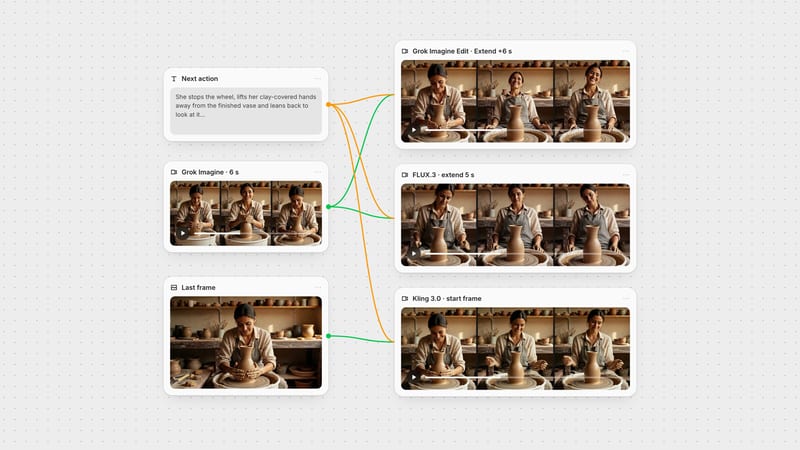
Extend mode takes an existing video clip and generates the next sequence of continuous action. To maintain visual continuity, provide stable base footage without hard cuts and describe the subsequent narrative progression and acoustic environment clearly in your prompt.
FLUX.3 synthesizes visual frames and synchronized auditory latents together in a single foundation architecture. Describing concrete acoustic details—such as mechanical hums, footsteps on gravel, or room reverberation—steers the native audio generator to match on-screen physical dynamics.
FLUX.3 was created by Black Forest Labs and introduced in mid-2026 as a unified multimodal foundation model for 5 to 20 second video generation.
Direct multi-second cinematic sequences with synchronized atmospheric audio, deterministic keyframe interpolation, and seamless video extensions