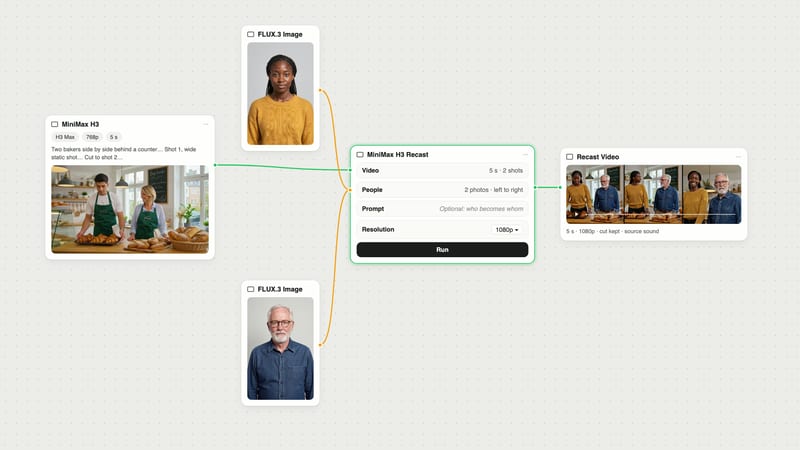
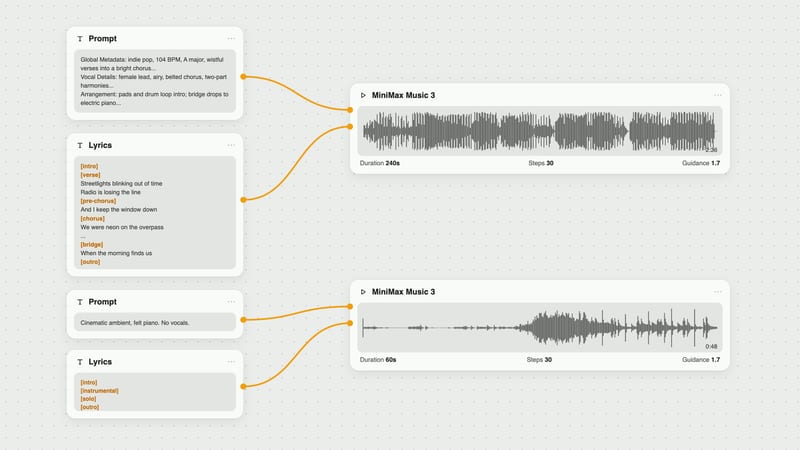
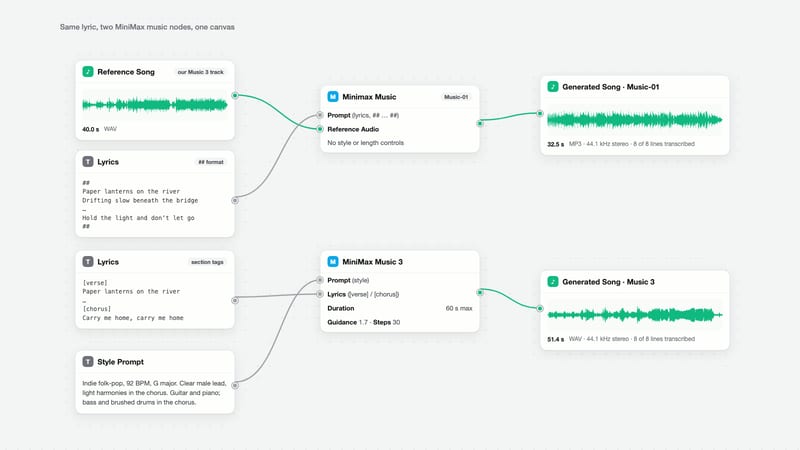
One click, whole workflow
Recipes are here. Package a whole workflow and run it in one click
Explore recipesOne click, whole workflow
Recipes are here. Package a whole workflow and run it in one click
Explore recipesbyByteDance
Synchronize high-resolution dialogue video to any vocal track with lifelike skin texture and sharp dental fidelity
Transform existing footage into naturally synchronized dialogue in three simple stages.
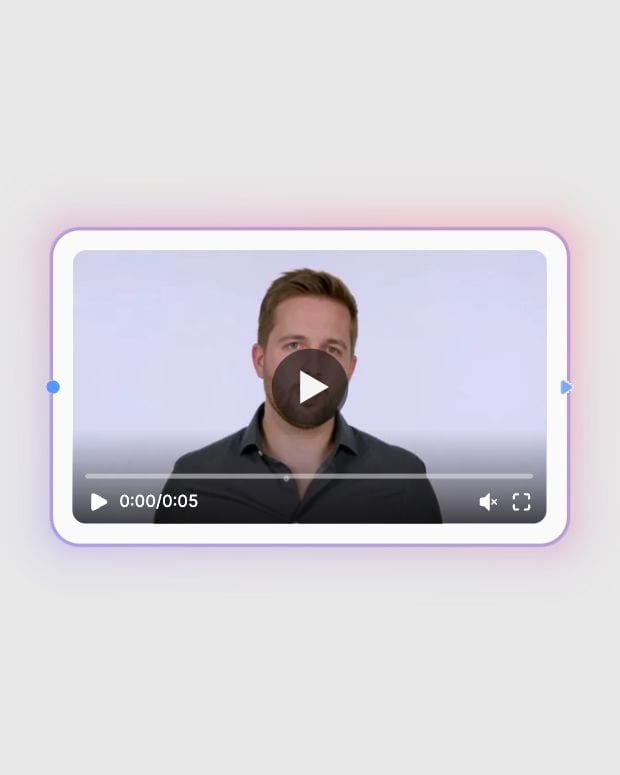
Upload talking-head video
Provide a high-resolution, front-facing video clip with clear lighting and an unobstructed mouth.
Attach clean vocal audio
Supply a clean vocal track or voiceover recording with minimal background noise.
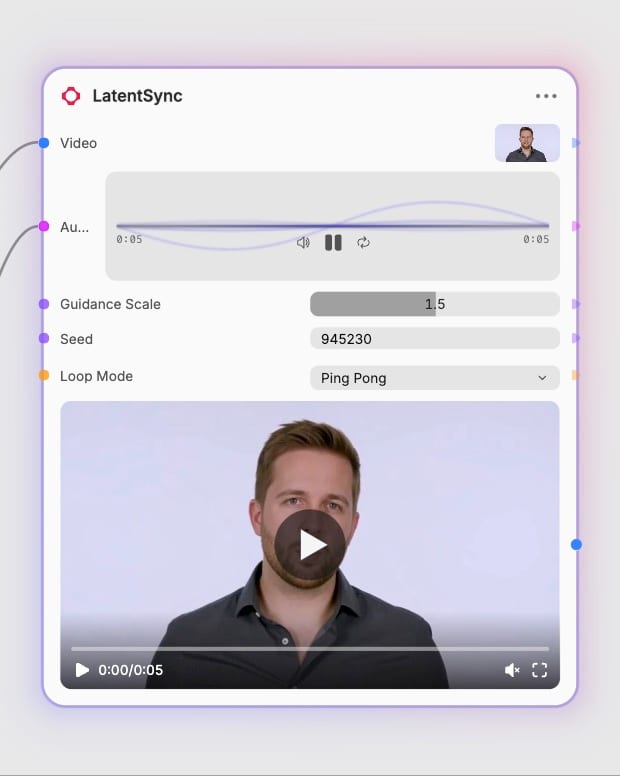
Tune guidance and generate
Adjust the guidance scale between 1.0 and 2.0, select a loop mode, and generate synced video.
Built on latent diffusion and audio-visual cross-attention, LatentSync preserves natural facial anatomy and skin texture across every frame.
Explore high-fidelity lip-sync examples spanning commercial campaigns, cinematic dubbing, and editorial portraits.
Discover how localization studios, filmmakers, and digital creators dub dialogue without sacrificing visual realism.
LatentSync performs lip synchronization directly in the latent space of Stable Diffusion rather than relying on pixel-space GANs. This architectural approach eliminates blurry mouth patches and artificial skin rings, preserving fine skin pores, lip creases, and individual dental structures for seamless realism.
Use front-facing source clips at 512x512 resolution or higher with consistent facial lighting and unobstructed mouth views. Pair with isolated mono voice recordings free from heavy background noise or music. Pre-trimming video clips to 5 to 15 seconds prevents temporal drift and maximizes synchronization precision.
The guidance scale ranges from 1.0 to 2.0 and determines how strictly the diffusion model tracks spoken phonemes. A scale of 1.5 offers the best balance between sharp articulation and facial stability. Lower values toward 1.0 reduce edge tension, while values up to 2.0 enforce rapid consonant articulation.
Choose pingpong mode for stationary talking-head clips where reversing frames creates an imperceptible back-and-forth flow. Select loop mode when the source clip contains directional head motion or background movements that require continuous one-way visual momentum.
Avoid stylized 2D cartoons, anime characters, and clips with extreme side-profile angles. LatentSync also struggles when objects such as hands, microphones, or cups occlude the mouth, which interferes with face-tracking bounding boxes.
LatentSync was developed by ByteDance and introduced in December 2024 as an open-source latent diffusion framework for audio-conditioned lip-sync animation.
Synchronize high-resolution dialogue video to any vocal track with lifelike skin texture and sharp dental fidelity