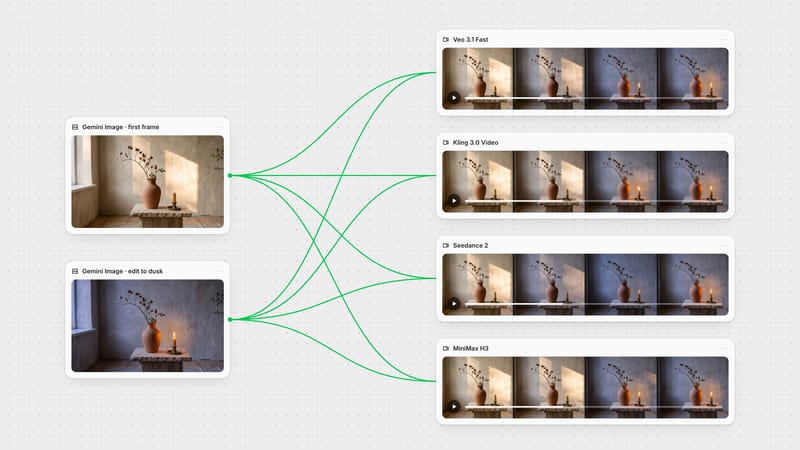
One click, whole workflow
Recipes are here. Package a whole workflow and run it in one click
Explore recipesOne click, whole workflow
Recipes are here. Package a whole workflow and run it in one click
Explore recipesbyShengshu Technology
Expressive characters, clean cel-style anime and first-to-last-frame control, with spoken dialogue and ambience baked into the clip
Start from a still or a single-action prompt, choose the model tier that fits the job, and draft small before you commit. The workflow rewards short, simple takes over crowded scenes.
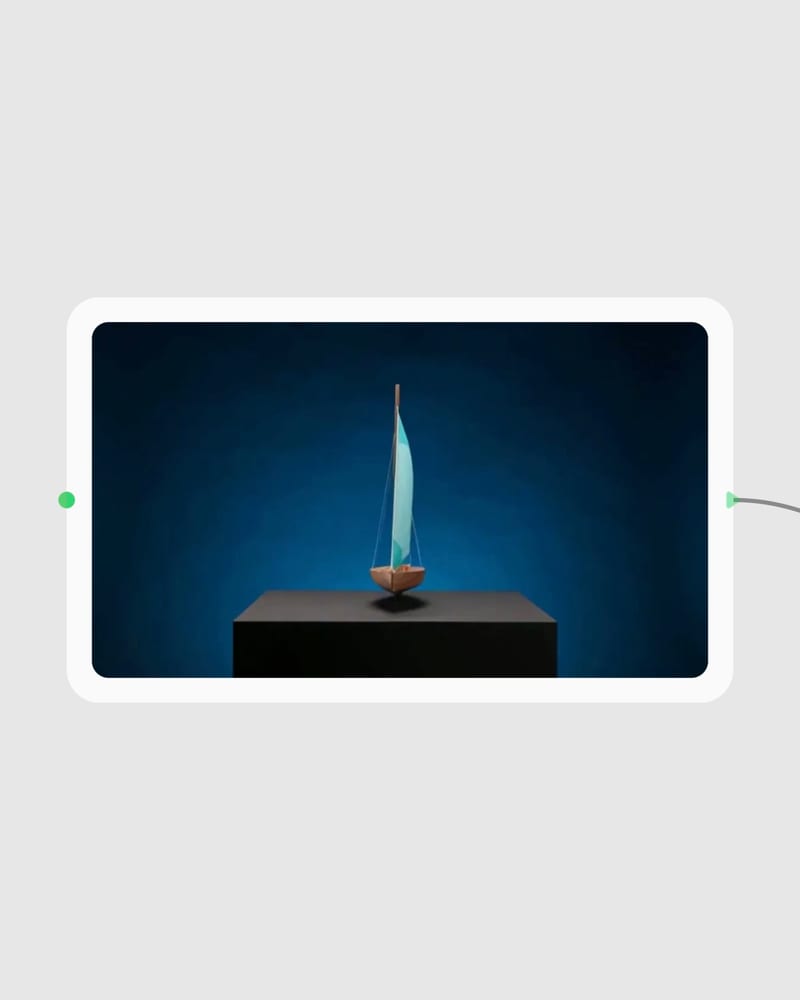
Frame the opening shot
Drop in a first-frame still, or write one dominant action plus a named camera move like a slow push-in.
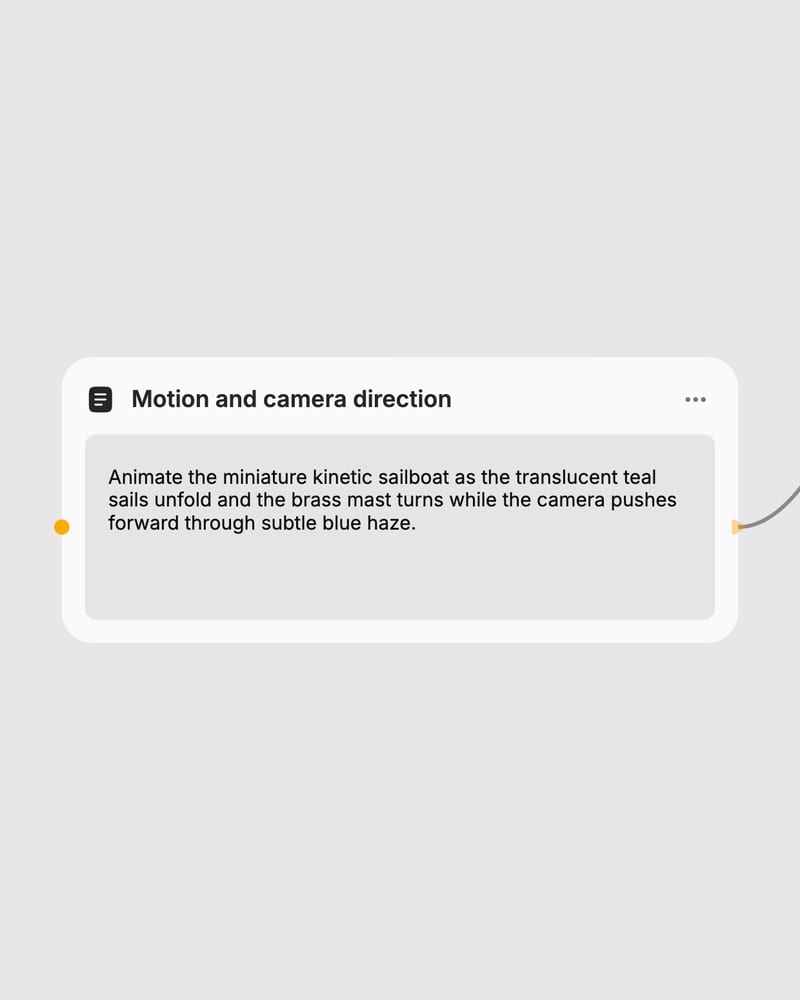
Calibrate motion and duration
Pick a model tier, keep the clip short, set movement amplitude, and draft at 360p or 540p before committing.
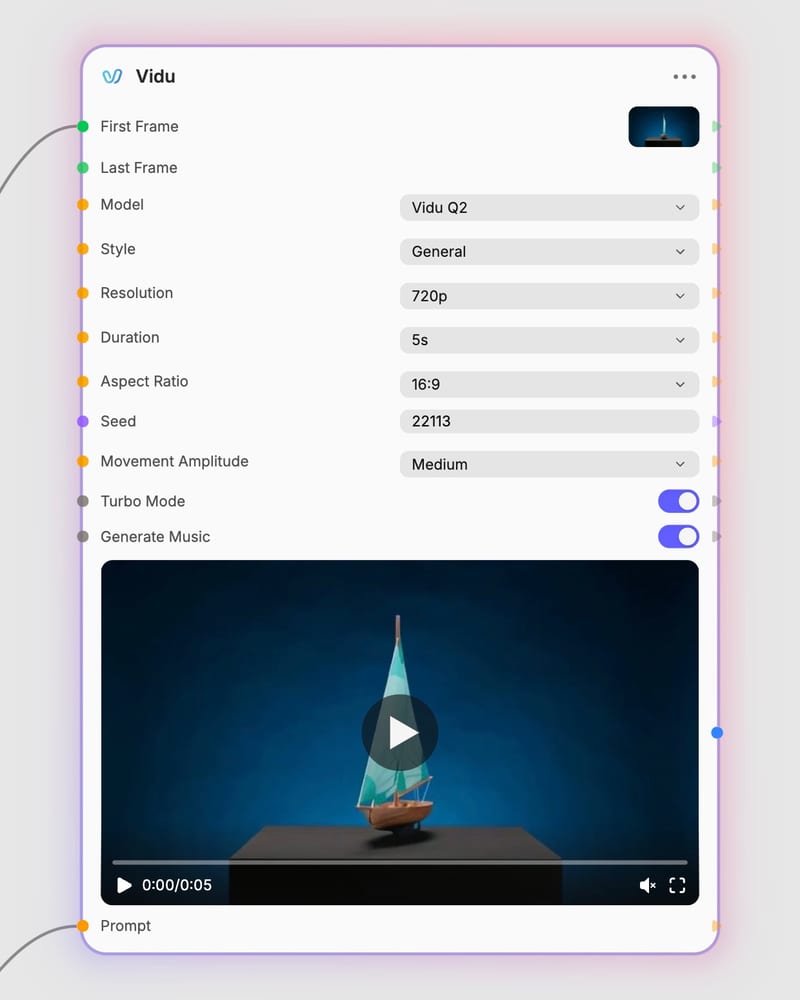
Render the take
Generate at up to 1080p; on Q3, quoted dialogue and ambience arrive synced in the same clip.
Vidu is built around the character: believable faces, steady camera grammar, defined start and end frames, and anime motion that stays flat and clean. Q3 adds sound.
A spread of short takes, from documentary heat haze and product pours to neon choreography and macro mechanics, each built on one dominant motion and a named camera move.
Animators, filmmakers, ad teams and social creators reach for Vidu when the subject is a character or a controlled reveal, and the shot needs to read clearly in seconds.
Q3 is the premium tier and Q3 Turbo is the faster, cheaper one with the same feature set, including native audio. Turbo costs roughly half as much, which makes it right for drafts and idea testing, while Q3 is the better choice for narrative fidelity in finals. Both support clips from 1 to 16 seconds and resolutions from 360p to 1080p.
Use Q2 for tight 4–8 second character shots with expressive faces and stable camera moves; use Q3 when you need native audio or clips longer than 8 seconds. Q2 offers image-to-video Turbo for fast drafts and Pro for final-quality detail. Q2 text-to-video has no end-frame input, and its turbo_mode only applies to image-to-video.
Q3 produces 1 to 16 second clips, but 4–5 seconds is the most stable range. Drift appears past roughly 8 seconds, so don't expect a single steady shot at 12–16 seconds. Q2 tops out at 8 seconds.
Yes, on Q3 and Q3 Turbo, with the Generate Audio toggle on. Dialogue, effects and music come out in one pass. Put spoken lines in quotes and name the ambience you want, such as rain or footsteps. English, Japanese and Chinese are the officially supported dialogue languages. Q2 offers only background music, and only at 4 seconds.
On Q1 text-only prompts, set Style to Anime. On other models and for image-driven runs the style toggle has no effect, so describe cel shading or 2D illustration in your prompt or start from an illustrated first frame, which animates especially cleanly.
It trails the best models on photoreal skin close-ups, complex physics, extreme action and readable on-screen text. Stacking several actions in one prompt also hurts results. It works best with one dominant motion and one camera move, on a character-led shot.
Expressive characters, clean cel-style anime and first-to-last-frame control, with spoken dialogue and ambience baked into the clip