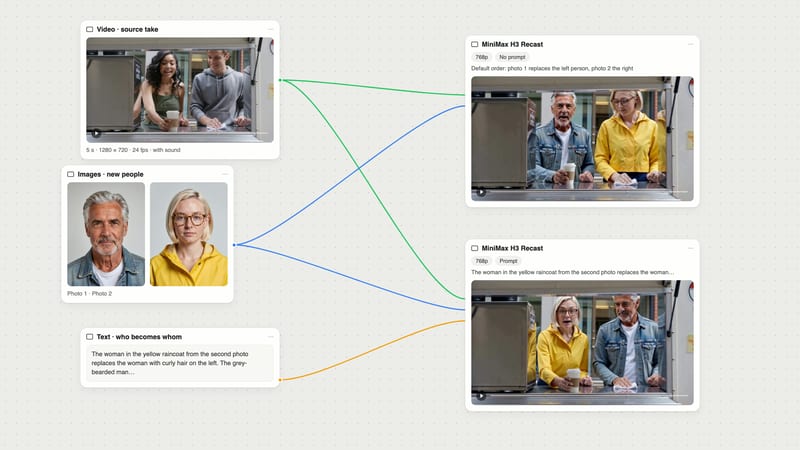
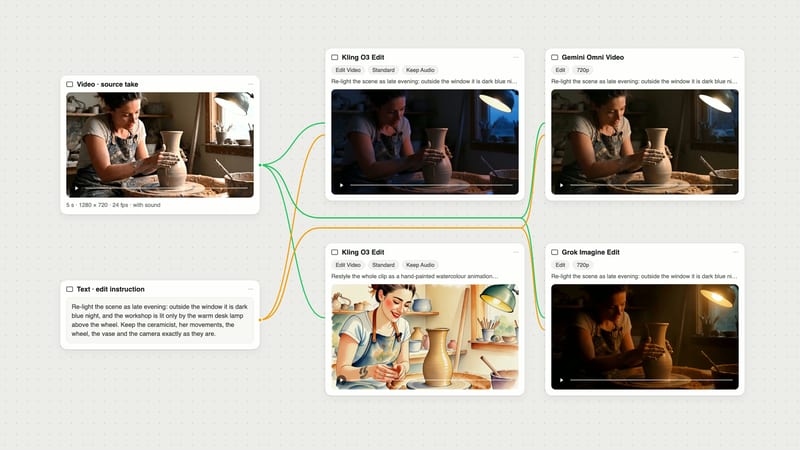
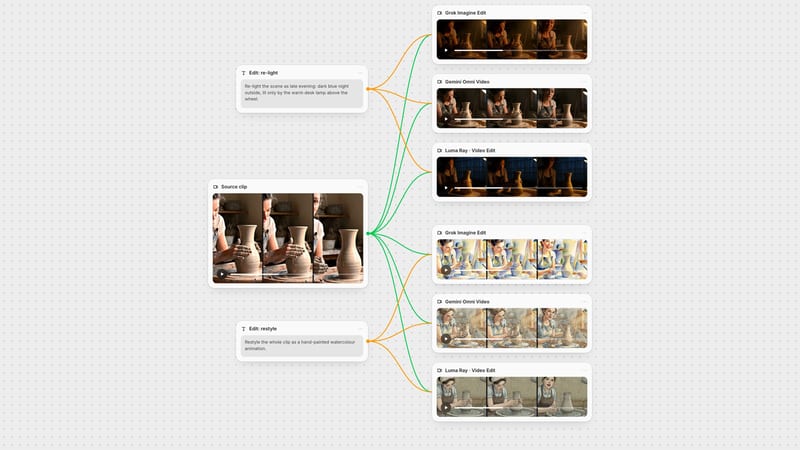
One click, whole workflow
Recipes are here. Package a whole workflow and run it in one click
Explore recipesOne click, whole workflow
Recipes are here. Package a whole workflow and run it in one click
Explore recipesbyRunway
Rewrite the light, weather, wardrobe or style of footage you already shot while the camera move and the performance stay exactly as filmed
You bring the footage and the intent. Aleph reads the clip, applies your one-line directive and hands back the same shot, changed only where you asked.
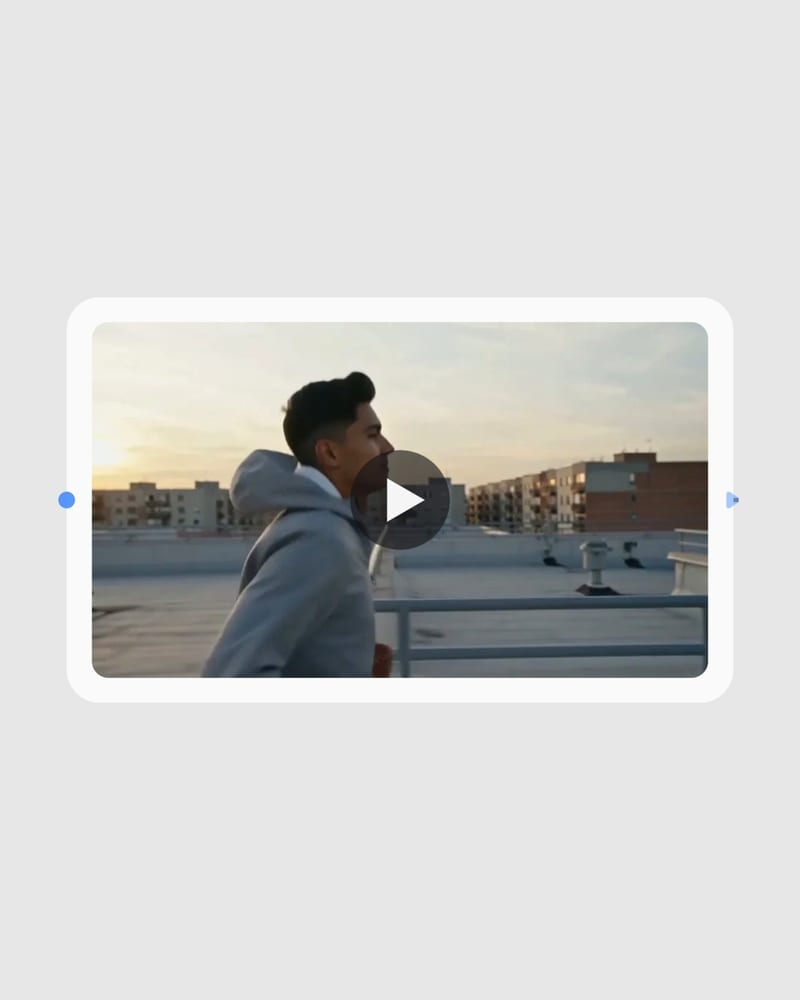
Upload your source footage
Drop in a clip with clean lighting and a stable camera, trimmed to the moment you want to change.
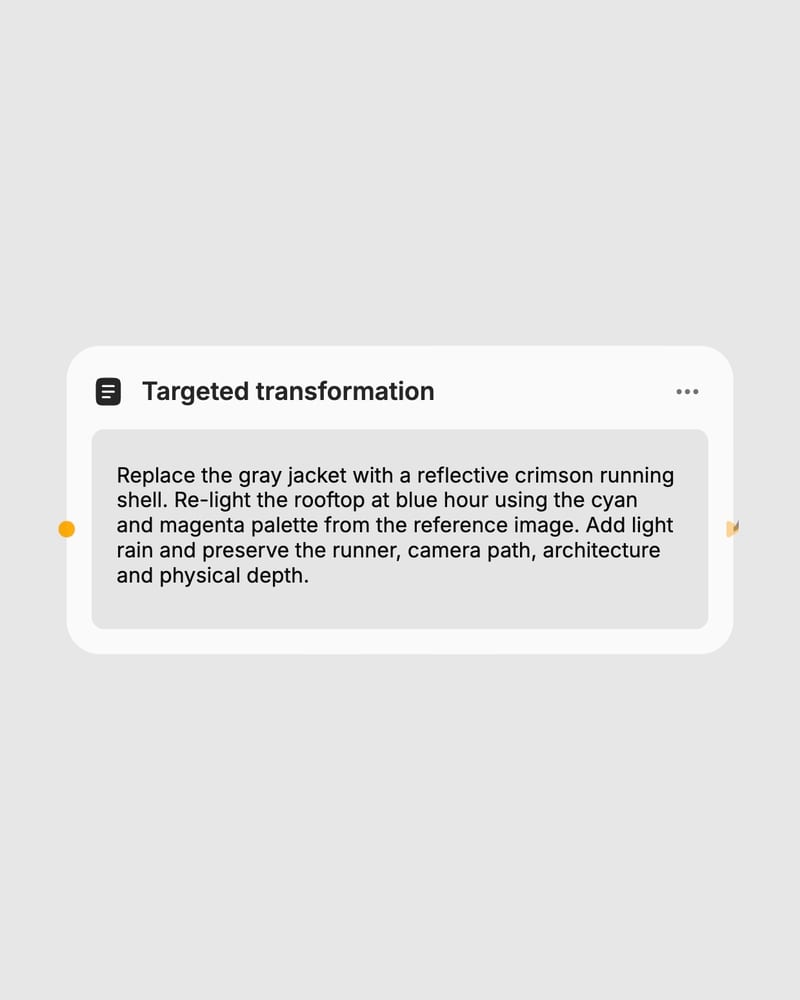
Direct the edit with a verb
Write Add, Remove, Replace, Re-light or Re-style plus the change, and optionally attach a reference image for color and style.
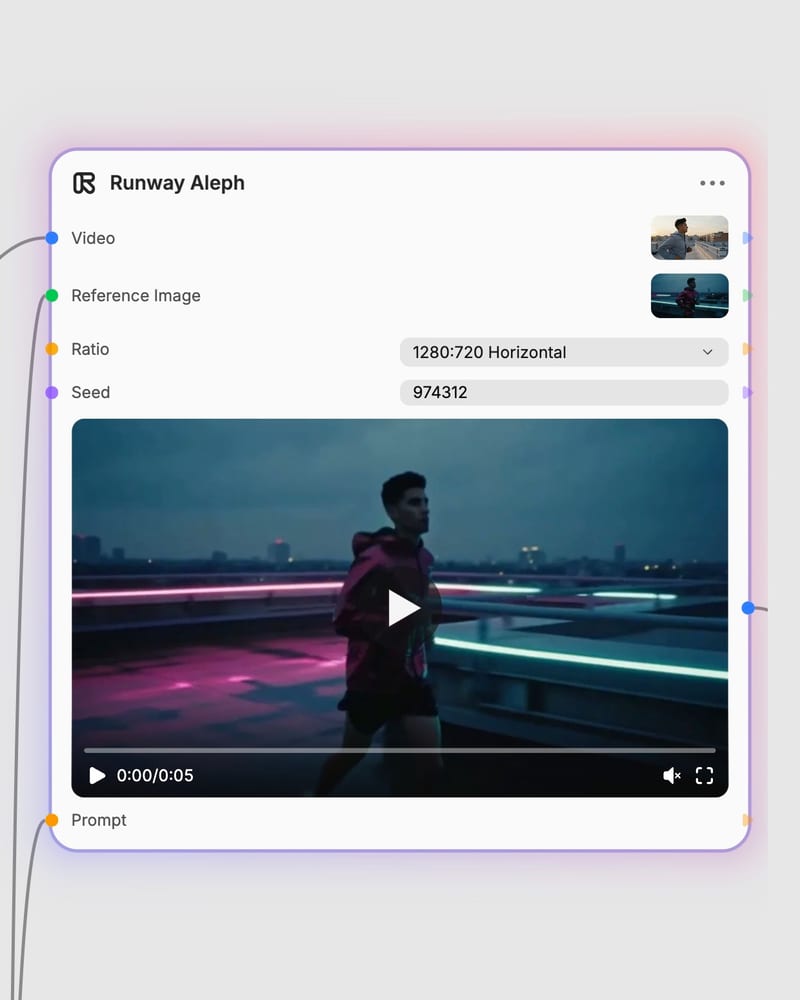
Pick a frame and render
Keep the original framing or choose a new aspect ratio to outpaint, then render the edited clip with its original motion intact.
Aleph edits what is already there: light, wardrobe, props, weather and style, with shadows, reflections and depth following the original camera and performance.
A gallery of edits to existing footage: relit product turns, restyled crowds, swapped materials, inserted architecture and a vertical neon sports clip.
Editors, VFX artists, fashion and ad teams and social creators reach for it when the take is right but the light, look or frame is not.
No. Aleph is a video-to-video editing model, so it needs a source video, and it is weak at creating scenes from scratch. Use it to add, remove, replace, re-light or re-style elements in footage you already have.
Aleph is best at targeted edits that keep the original motion intact. That means adding or removing objects, changing environment and weather, cinematic lighting and time-of-day shifts, full-scene stylization, and reframing or outpainting to a new aspect ratio.
Open with an action verb such as Add, Remove, Change, Replace, Re-light or Re-style, then describe only what should change. Add a preservation line like "keep the person and camera movement unchanged". Long narrative scene descriptions work worse than short directives.
Yes. Choose 16:9, 4:3, 3:2, 1:1, 2:3, 3:4, 9:16 or 21:9, or keep Original. Aleph outpaints the extended scene rather than cropping or letterboxing, and your prompt can guide what appears in the new space.
Not reliably. Use the reference image to guide color palette, lighting, texture and style, and say in the prompt how it should interact with the video. Anything that must stay consistent, such as a person, should be in the source video itself.
Compressed, low-resolution or jittery handheld footage gives weaker results. Complex articulated motion, fine detail like hair or foliage, fast camera pans, and precise typography or logo placement can show warping, jitter, smearing or color bleed. Drastic choreography changes also fight the source motion.
Rewrite the light, weather, wardrobe or style of footage you already shot while the camera move and the performance stay exactly as filmed