One click, whole workflow
Recipes are here. Package a whole workflow and run it in one click
Explore recipesOne click, whole workflow
Recipes are here. Package a whole workflow and run it in one click
Explore recipesbyRunway
Transfer expressive human performance, dialogue lip-sync, and nuanced upper-body gestures directly onto custom character art and video
Upload your character asset, record your driving performance on any standard camera, and calibrate expression intensity to generate fluid character video.
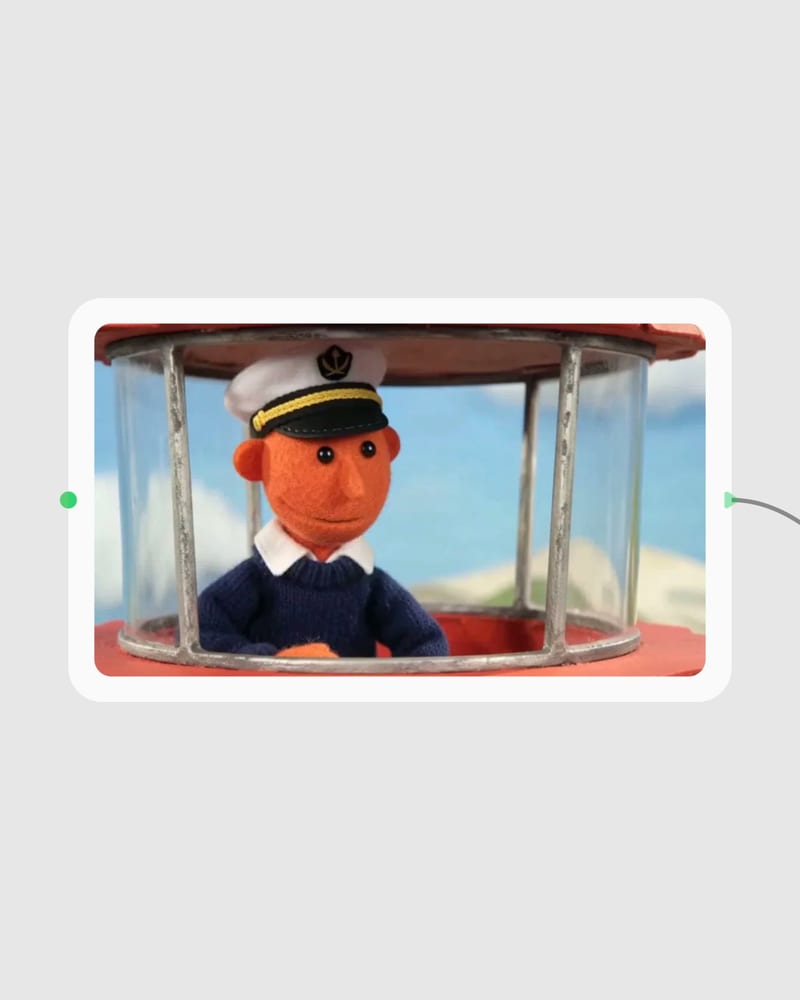
Provide your character asset
Upload a front or three-quarter image or video of your character, keeping hands and upper body in frame for full performance tracking.
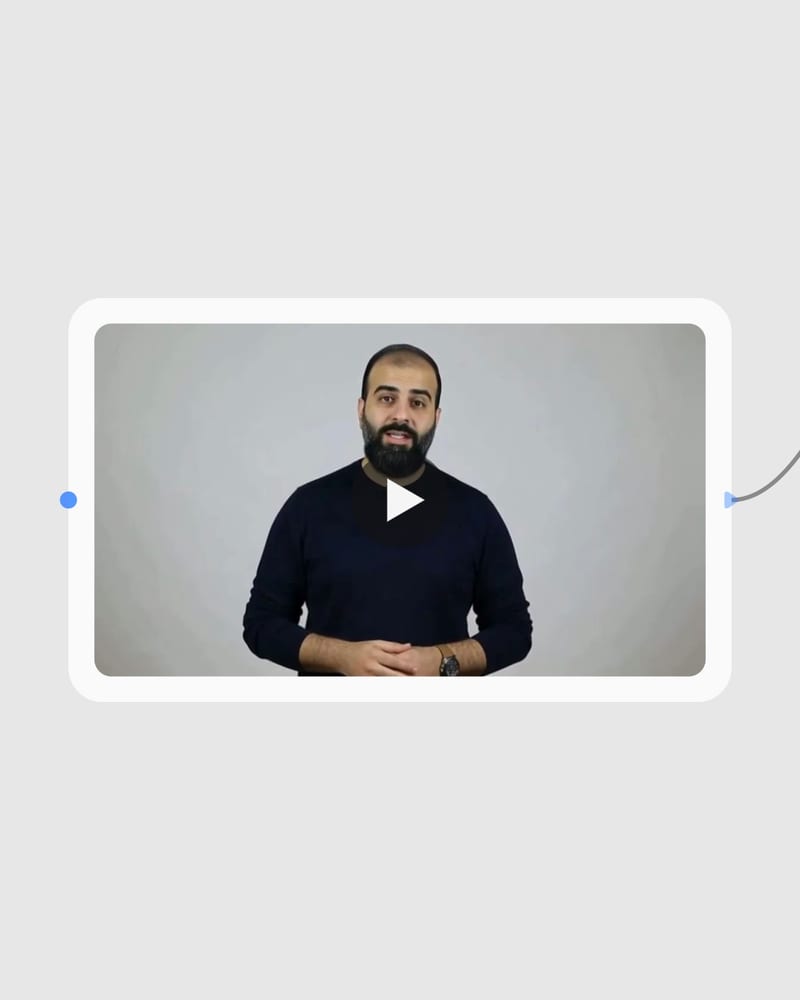
Record driving performance footage
Supply a clear 3 to 30 second webcam or camera clip of an actor delivering speech, head turns, and hand gestures.
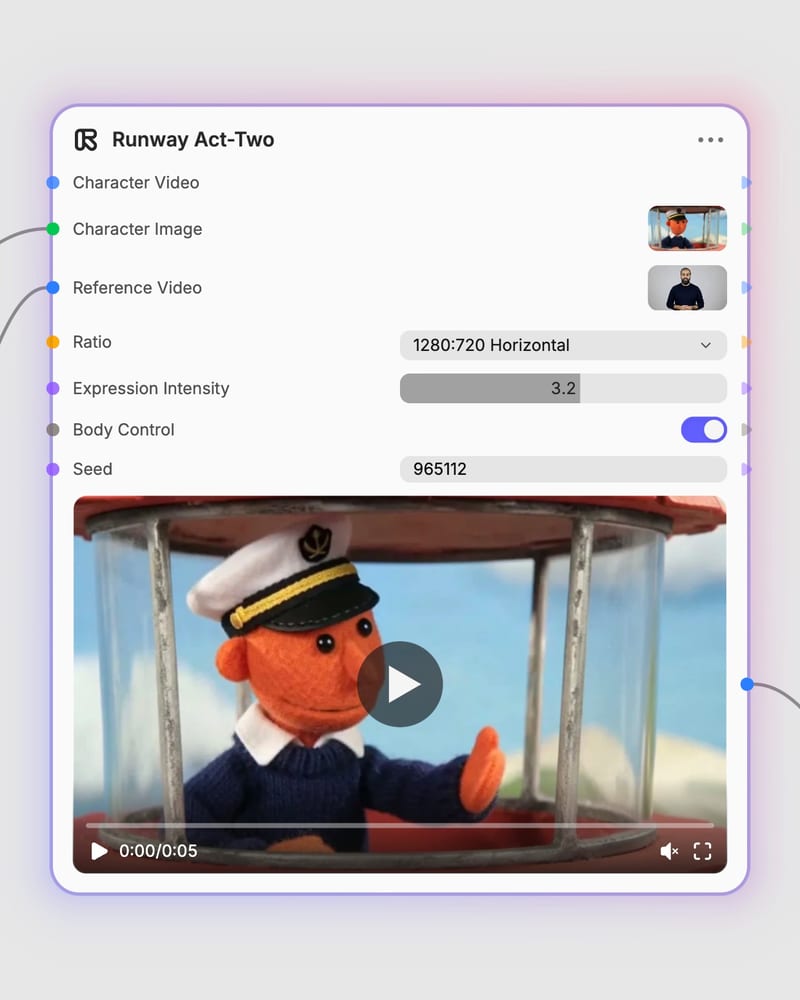
Tune expression intensity and render
Adjust the expression intensity slider from subtle realism to theatrical animation, toggle body control, and generate your video.
Explore full-body gesture tracking, intensity scaling, and dynamic environmental lighting designed for rapid narrative animation.
Discover how creators map human performance across 3D renders, physical sculptures, 2D sketches, and stylized digital avatars.
See how directors, game developers, fashion studios, and animators use performance transfer to accelerate character production.
You need a driving reference video and either a character image or character video. The reference video should be a 3 to 30-second clip of an actor with clearly visible facial features and upper body under even lighting. Your character reference can be a 2D illustration, 3D render, clay model, or photorealistic image.
Expression Intensity is a control from 1 to 5 that dictates how dramatically facial movements transfer. Lower settings (1 or 2) are recommended for photorealistic humans to keep lip-sync natural and prevent skin distortion. Higher settings (4 or 5) suit cartoon characters, monsters, or stylized avatars where exaggerated expressions look natural.
Enable Body Control when your character asset and driving video both clearly show the upper torso and hands at rest. This transfers hand gestures, posture shifts, and head movement. If your character asset is a tight headshot without visible hands, keep Body Control disabled to avoid distorted hand generation.
Avoid fast action choreography, martial arts, combat sequences, and scenes requiring characters to hold or interact with handheld props like phones or weapons. Act-Two is designed for dialogue and upper-body gestures; rapid physical movements or full sideways profile angles cause tracking loss.
Driving reference videos must run between 3 and 30 seconds in duration. Act-Two supports six native aspect ratios: 1280:720 horizontal, 720:1280 vertical, 960:960 square, 1104:832 horizontal, 832:1104 vertical, and 1584:672 widescreen landscape.
Transfer expressive human performance, dialogue lip-sync, and nuanced upper-body gestures directly onto custom character art and video