One click, whole workflow
Recipes are here. Package a whole workflow and run it in one click
Explore recipesOne click, whole workflow
Recipes are here. Package a whole workflow and run it in one click
Explore recipesbyLuma AI
Fog-soft light, gliding camera moves and believable water and cloth, with reframe, restyle and HDR passes when the shot is ready to finish
Write a single continuous shot, pick the tier that fits the stage you are at, and iterate small before spending on a final render.
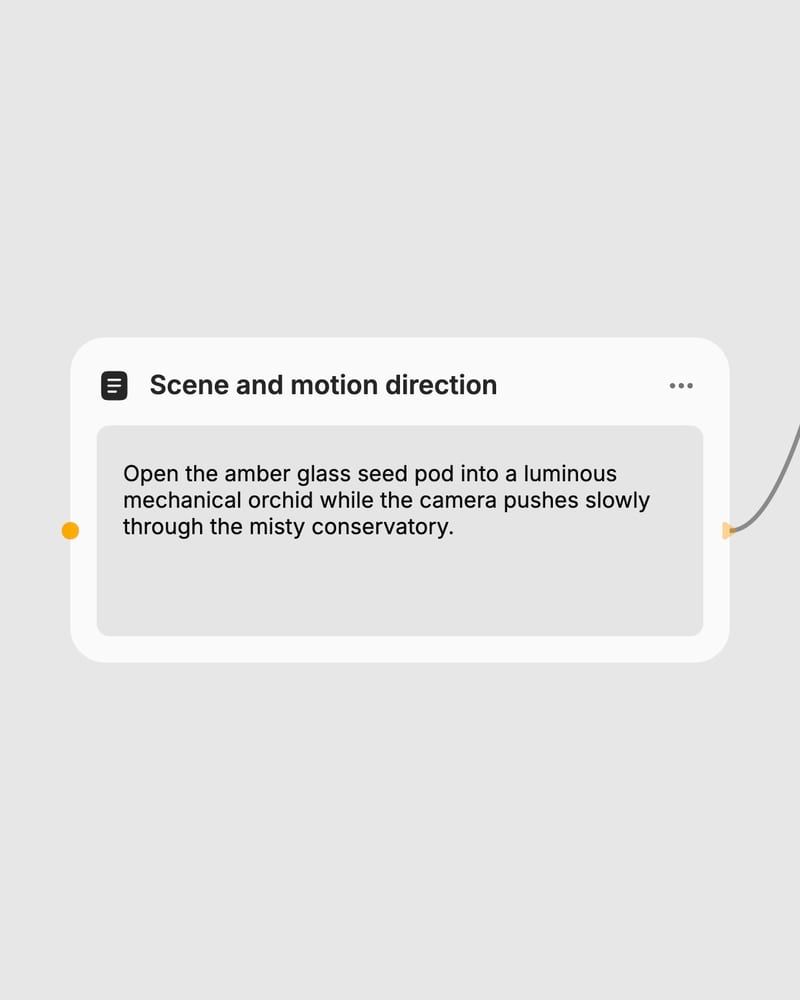
Frame the scene
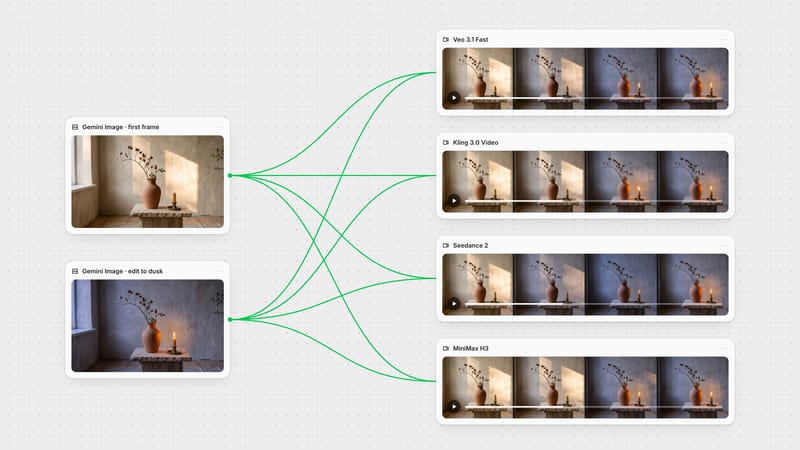
Write one continuous action with a camera move, or drop in a first frame, an end frame or a source clip.
Choose model and mode
Pick Ray 2 Flash to draft, then Ray 3.2 for generate, reframe or video edit, or Ray 2 for a proven finish.
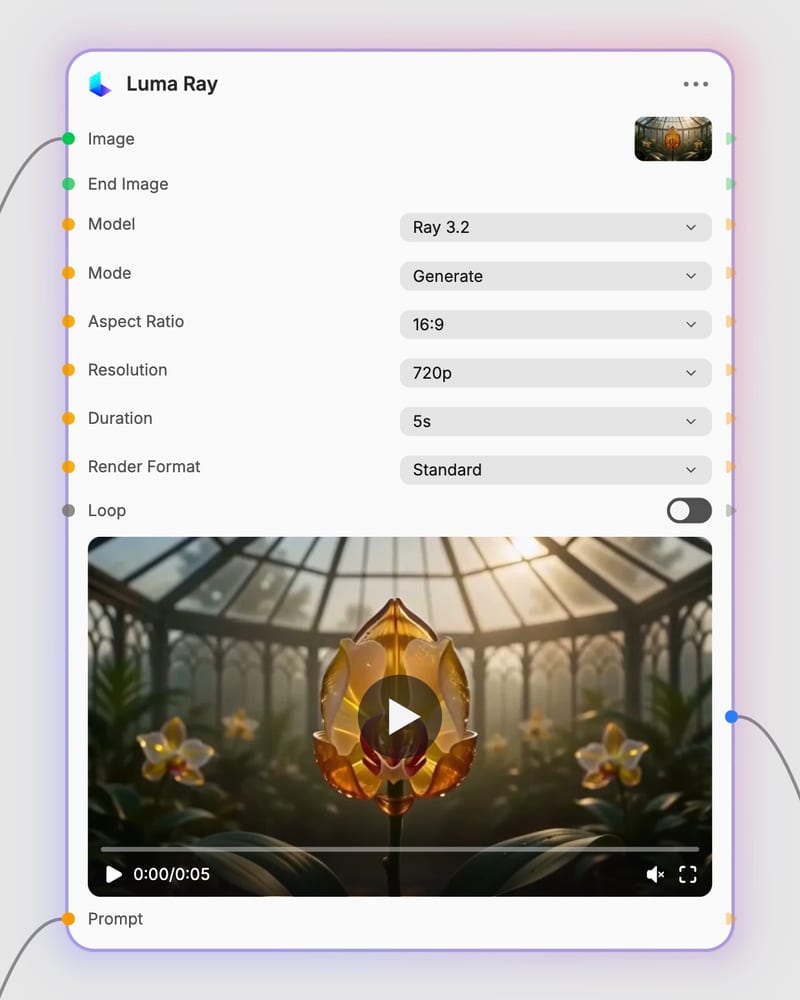
Render and refine
Test at 540p for 5 seconds, then render finals at 720p or 1080p, with optional HDR or EXR for grading.
Camera-led, physics-rich motion with director-style controls: restyle a clip, recompose its aspect ratio, bridge two keyframes, or draft cheaply first.
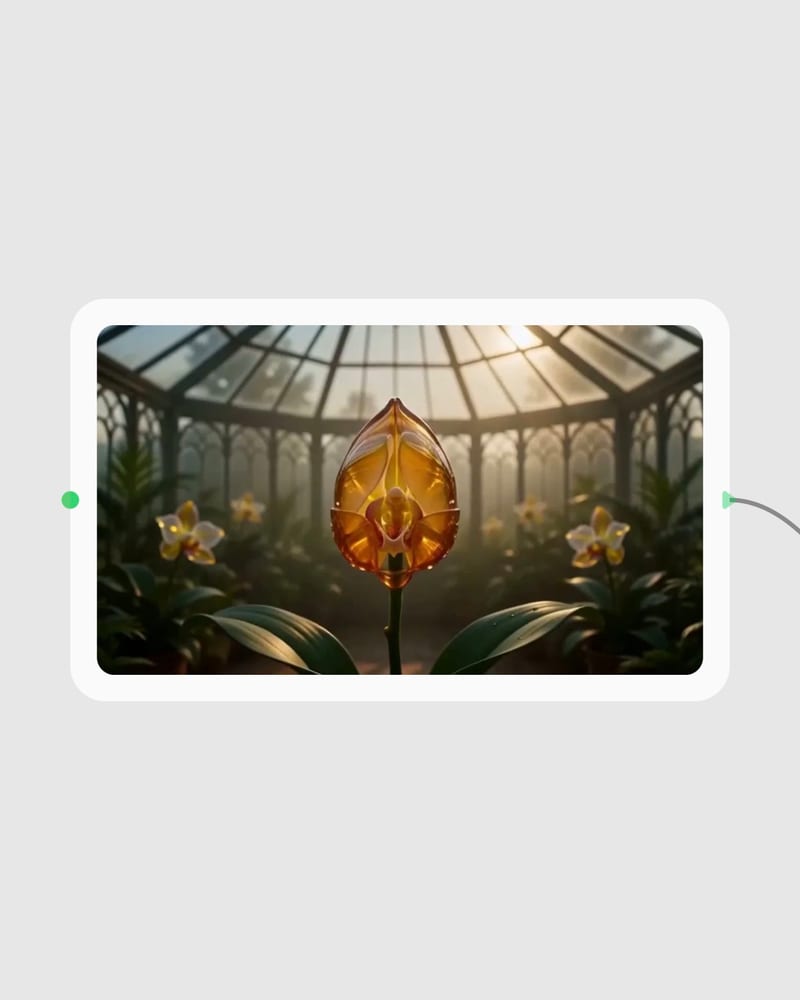
A gallery of single-shot moves: whirling silk, spilled mercury, fog on black water, a splash frozen in slow motion, and a flaring gas lamp on grainy film.
Directors, short-form editors, brand teams, architects and motion designers reach for it when mood, camera movement and finishing options matter more than busy action.
Luma Ray is the video model family behind Dream Machine, made by Luma AI. If you searched for Dream Machine, you are in the right place. This page covers three tiers of it: Ray 3.2, Ray 2 and Ray 2 Flash.
Ray 3.2 is the newest tier and the only one with reframe, video edit and HDR/EXR options, but it is also the most expensive generate path. Ray 2 is a proven workhorse for atmospheric text-to-video and image-to-video with end-frame blending and loops, without edit, reframe or HDR. Ray 2 Flash is the fast, cheap draft tier at about 40% of Ray 2's cost, with less physical nuance and detail.
Draft on Ray 2 Flash, then finish on Ray 3.2 or Ray 2. Flash is the inexpensive way to test camera choreography and see how a still will animate. Don't pay for Ray 3.2 when a quick Flash draft answers the question. Iterating at 540p and 5 seconds keeps tests cheap.
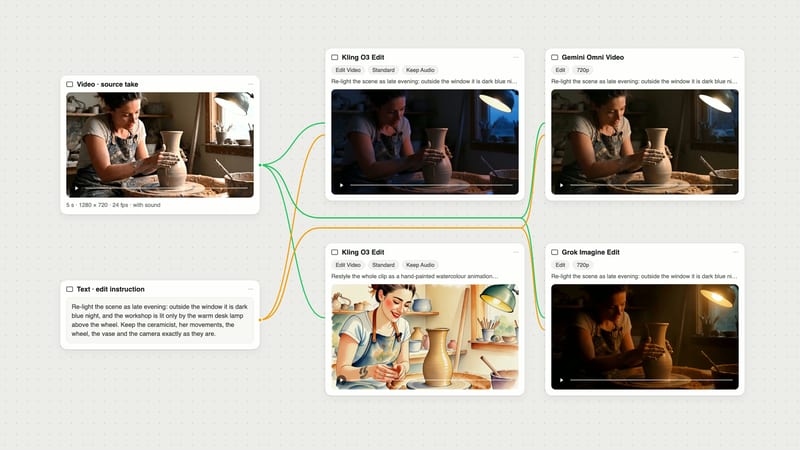
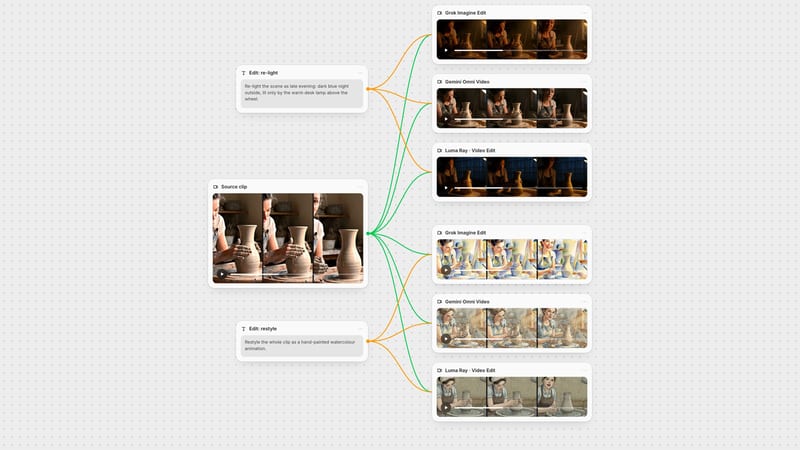
Yes, with Ray 3.2. Reframe extends a clip to a new aspect ratio, such as 16:9 to 9:16, by outpainting the extra canvas. Video edit restyles a source clip while keeping its timing and camera motion, with Adhere, Flex and Reimagine presets. Ray 2 and Ray 2 Flash only generate. HDR and EXR are reportedly not available in reframe.
The node offers 5, 9 and 10 second durations, and the model is weak beyond 10 seconds. Ray 2 variants are known for 5 and 9 second clips, so check that 10s applies to the model you choose. Each clip is a single continuous shot, not a multi-shot sequence.
It struggles with readable on-screen text, precise lip-synced dialogue, crowded multi-person choreography and hard-cut multi-shot sequences. Text can garble, and identities can drift in busy scenes. Faces and single subjects hold up well, and it shines on moody, camera-led shots.
Fog-soft light, gliding camera moves and believable water and cloth, with reframe, restyle and HDR passes when the shot is ready to finish