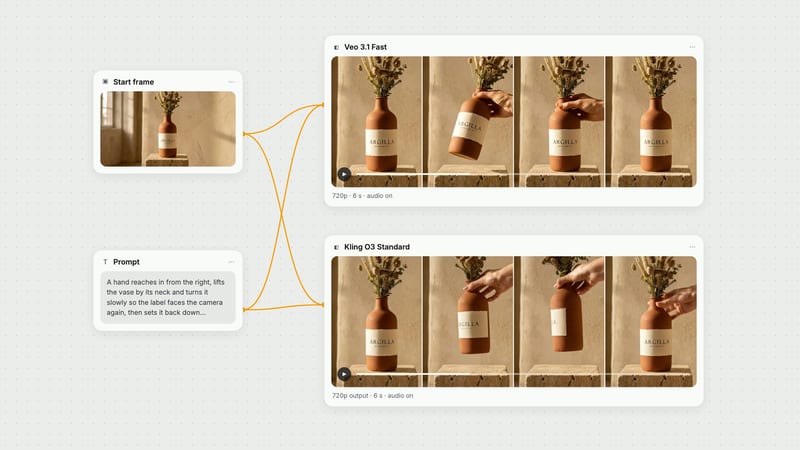
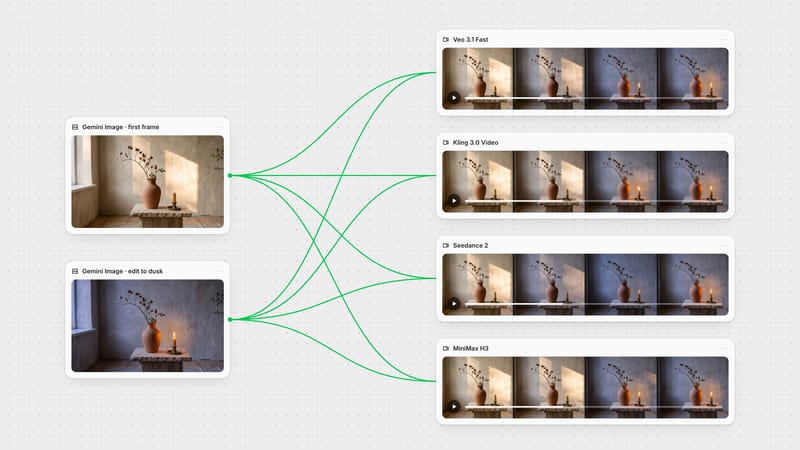
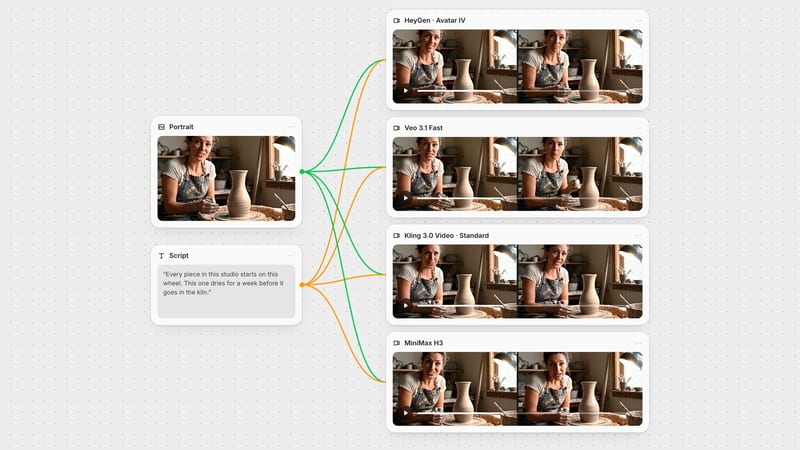
One click, whole workflow
Recipes are here. Package a whole workflow and run it in one click
Explore recipesOne click, whole workflow
Recipes are here. Package a whole workflow and run it in one click
Explore recipesbyGoogle DeepMind
Photoreal shots that look directed and sound finished, with dialogue, ambience and deliberate camera moves arriving together in one clip
Write the shot the way a director would, add keyframes or reference images if the look must hold, and choose a tier. Picture and sound come back together.
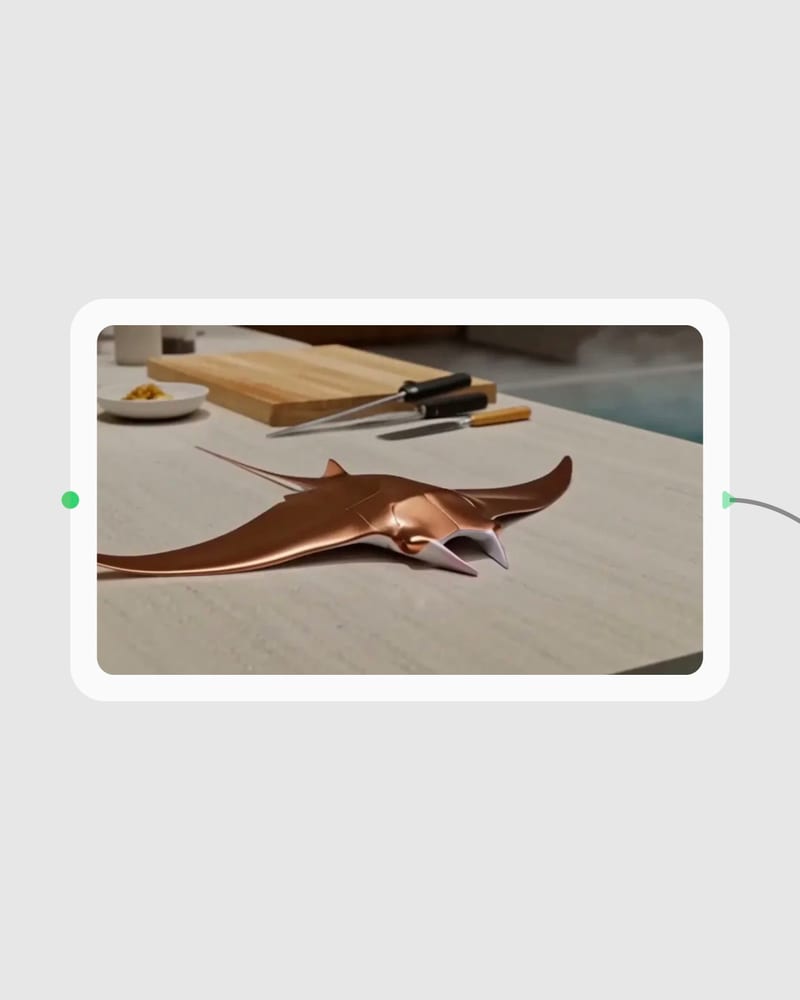
Write the shot
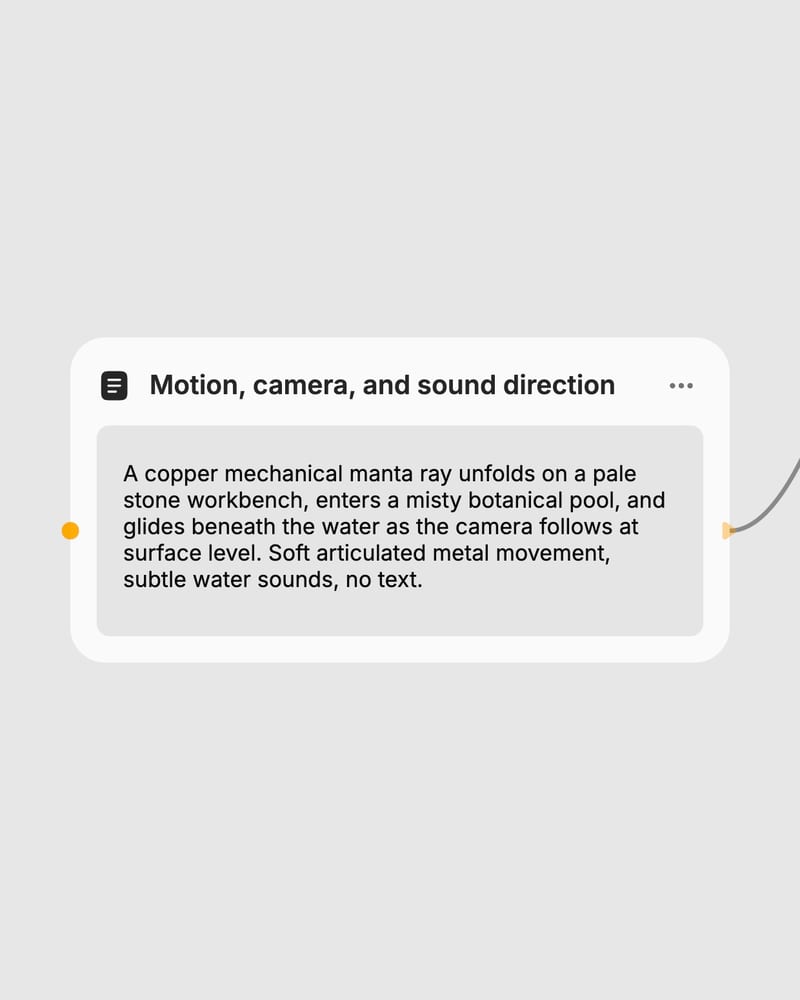
Order your prompt like a director: lens and camera move, subject, action, light, then quoted dialogue and SFX lines, or start from a first-frame image.
Anchor look and motion
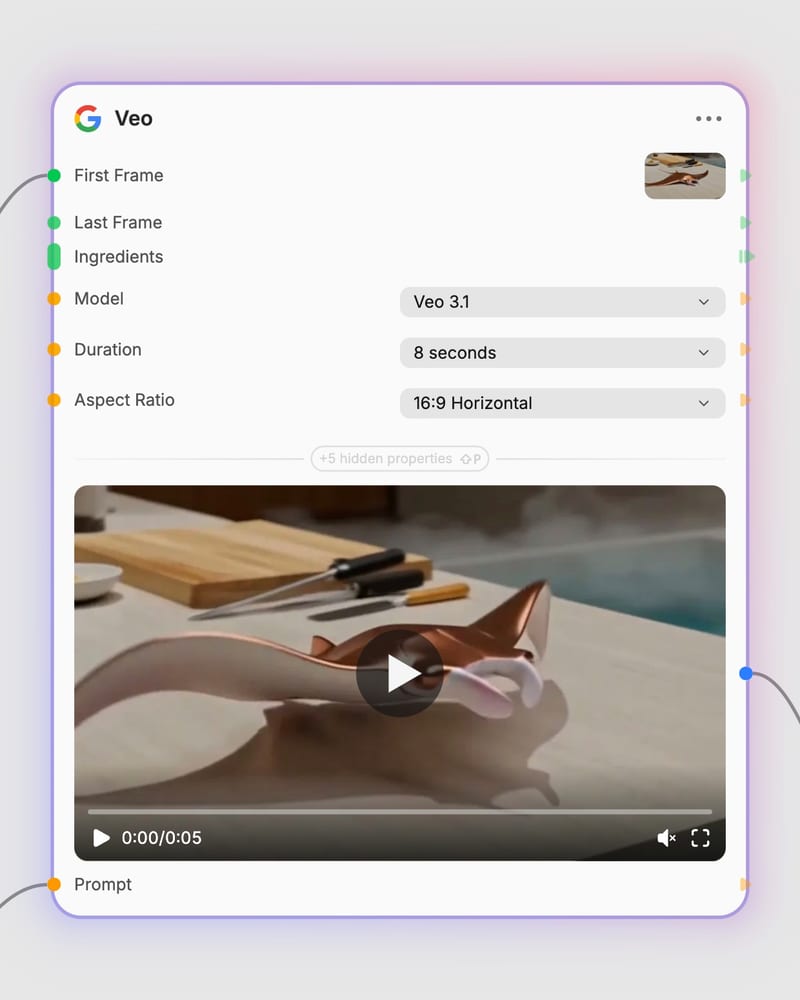
Add up to three Ingredients images to keep a character or prop recognizable, or set a last frame to define where the shot lands.
Pick a tier and render
Draft on Fast or Lite, then re-run keepers on the full model with 8-second clips at 1080p or 4K.
Sound, continuity and control: spoken lines that sync, characters that survive across shots, keyframe reveals, and three tiers that match the stage of your project.
Short, sound-rich scenes across craft, music, architecture, fashion and the deep sea, each prompt written with a lens, a camera move and an SFX line.
Filmmakers, commercial directors, fashion teams, social creators and visualization studios reach for it when a clip has to look directed and sound finished.
The full tier is for final hero renders, Fast is the default workhorse for iteration, and Lite is the most affordable option for drafts. The full tier gives the most fidelity but costs the most and renders slowest. Fast gives up some fidelity for speed and a lower cost. Lite costs least but has less polish, so check that settings like top resolutions or Ingredients behave as you need.
Draft on Fast or Lite, then re-run your keepers on the full model. Fast suits testing prompts, dialogue timing and keyframe setups. Lite suits high-volume previsualization and animatics. Reserve the full tier for high-resolution, client-facing shots you have already proven out, since it is not worth using for exploratory attempts.
Put the spoken line in quotation marks inside your prompt, for example: A woman says, "We have to leave now." Keep each line to about one breath so it fits the clip. Leave Generate Audio on, and add an SFX line for ambience. Keep to one speaker, since lip-sync and attribution drift when several characters talk.
Ingredients let you attach up to 3 reference images, such as a character, a prop and a location, to carry into a new shot. They only support 8-second output. Use clean, uncluttered references and put the clearest face first. Avoid combining them with a conflicting first frame, which muddies the result.
Clips run 4, 6 or 8 seconds at about 24 fps, in 16:9 or 9:16. Resolution options are 720p, 1080p and 4K, but 1080p, 4K and Ingredients only support 8 seconds. For anything longer than 8 seconds in a single take, this is the wrong tool.
Not reliably. On-screen text and subtitles tend to come out as garbled lettering, so add captions in post. You can also list terms like subtitles or text overlay in the negative prompt. Crowded multi-person dialogue and strict frame-level motion control are other weak spots.
Photoreal shots that look directed and sound finished, with dialogue, ambience and deliberate camera moves arriving together in one clip