One click, whole workflow
Recipes are here. Package a whole workflow and run it in one click
Explore recipesOne click, whole workflow
Recipes are here. Package a whole workflow and run it in one click
Explore recipesbyMiniMax
Transform reference melodies into full stereo vocal tracks and high-fidelity song covers with custom lyrics
From reference audio and lyric markup to a radio-ready 44.1kHz vocal track in three clear steps.
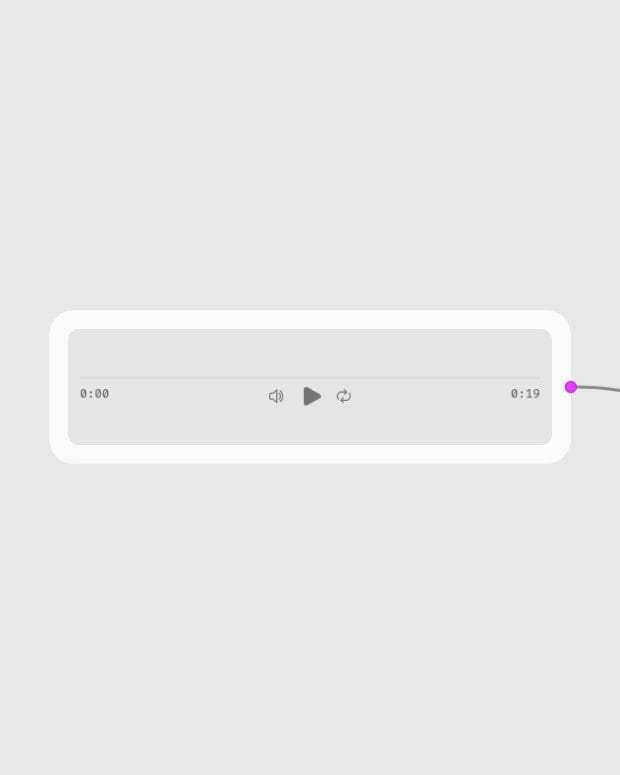
Upload audio reference
Provide a .wav or .mp3 file longer than 15 seconds containing clear vocals and accompanying music.
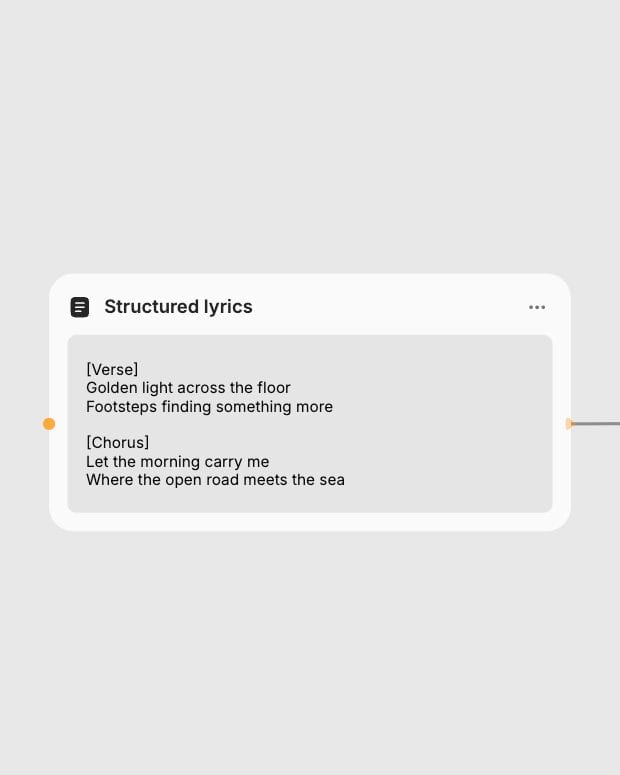
Write structured lyrics
Format your verses and choruses with line breaks, pauses, and structural tags under 600 characters.
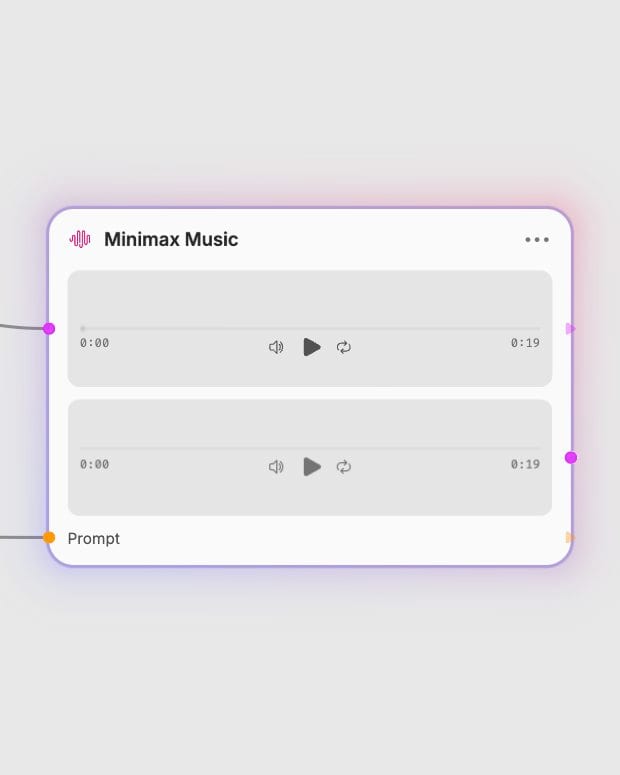
Generate vocal master
Receive a 44.1kHz stereo track matching the melodic contour and style of your reference audio.
High-resolution vocal synthesis, organic acoustic phrasing, and stereo mix quality driven by reference audio and structured lyrics.
Explore fully realized vocal covers, genre adaptations, and lyrical transformations generated from audio references and custom lyrics.
How songwriters, producers, audio creators, and brands turn existing melodies into fresh vocal arrangements.
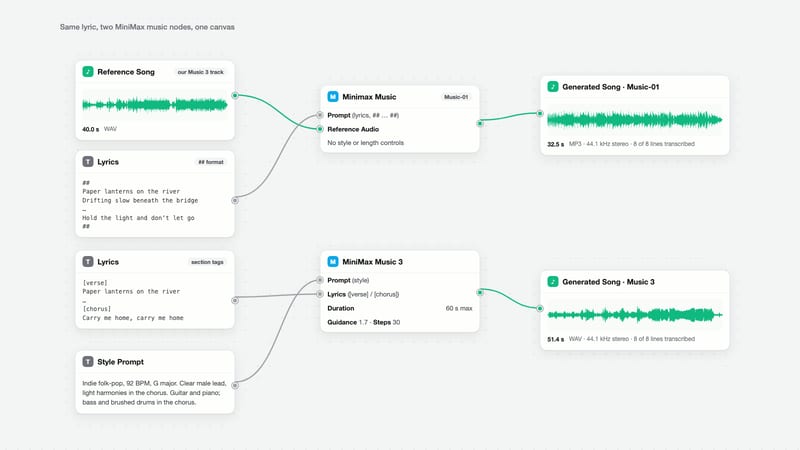
MiniMax Music requires a reference audio file (.wav or .mp3) of at least 15 seconds containing both vocals and instrumentation, paired with a custom lyrics prompt up to 600 characters. The model uses the reference track to guide the vocal melody, style, and musical genre while applying your provided lyrics.
Structure your text using single line breaks between lyric lines and double line breaks for dramatic pauses between sections. Include inline structural markers like [Intro], [Verse], [Chorus], [Bridge], and [Outro] or double hash marks (##Verse##) to guide timing and vocal dynamics. Keep the text under 600 characters to prevent clipping.
MiniMax Music generates tracks up to 76 seconds in a single generation pass. For longer pieces, create individual song sections using structured section markers and assemble them in post-production.
No, the model requires vocal content in the reference audio to properly anchor vocal synthesis and arrangement. Pure instrumental tracks without vocal lines can cause generation failures or unpredictable outputs.
Transform reference melodies into full stereo vocal tracks and high-fidelity song covers with custom lyrics
Develop film treatments, character and environment concepts, storyboards and motion studies. Connect image, video and 3D exploration in Fuser.
Develop storyboard frames, shot variations and video studies from your references. Compose clear boards and explore movement in one Fuser project.