One click, whole workflow
Recipes are here. Package a whole workflow and run it in one click
Explore recipesOne click, whole workflow
Recipes are here. Package a whole workflow and run it in one click
Explore recipesFive tasks, identical prompts and inputs, one run each: what Nano Banana 2 (Gemini 3.1 Flash Image) and GPT Image 2.5 Flare produced, and which to pick for each job.
All guides · Best AI image models
Quick answer: in our five-task, same-prompt test, GPT Image 2.5 Flare was the safer pick for commercial product shots and for carrying one person into a new scene, and it matched the mood of a photoreal prompt more closely. Nano Banana 2 (Gemini 3.1 Flash Image) tied it on poster text and on a background-swap edit, returned higher-resolution images at its 2K default, and has a flat per-image list price from Google (about $0.10 at 2K). It also invented a logo on a product and a brand-like patch on a jacket, so check its outputs for details you did not ask for. This was one run per model per task, so read it as a guide to tendencies, not a benchmark.
We ran five prompts through each model on 28 September 2026: one generation each, no retries, no cherry-picking.
Models: Nano Banana 2 (model ID gemini-3.1-flash-image) and GPT Image 2.5 Flare (gpt-image-2.5-flare), the default model in each of Fuser's Gemini Image and GPT Image nodes. In Fuser both nodes call Google and OpenAI directly; for this test we ran the same models through fal's hosted endpoints (fal-ai/gemini-3.1-flash-image-preview and openai/gpt-image-2.5/flare).
Settings: each node's defaults, except PNG output. Nano Banana 2 at 2K resolution; GPT Image 2.5 Flare at quality "auto". We matched the aspect ratio per task: 3:2 (1536 × 1024 for GPT Image) for the photo and product tests, 2:3 (1024 × 1536) for the poster and the character test, and "auto" for the edit, so both kept the square input.
Inputs: the edit and character tests start from images made with a third model, FLUX.2 [pro], so neither model was editing its own output.
Prompts: written with both vendors' published advice in mind: required words in quotation marks, the preserved details listed in edits, and "photorealistic" stated when that was the goal (OpenAI image prompting guide, Google DeepMind prompt guide).
We compared the results by eye at full resolution, including crops of hands, faces and small type.
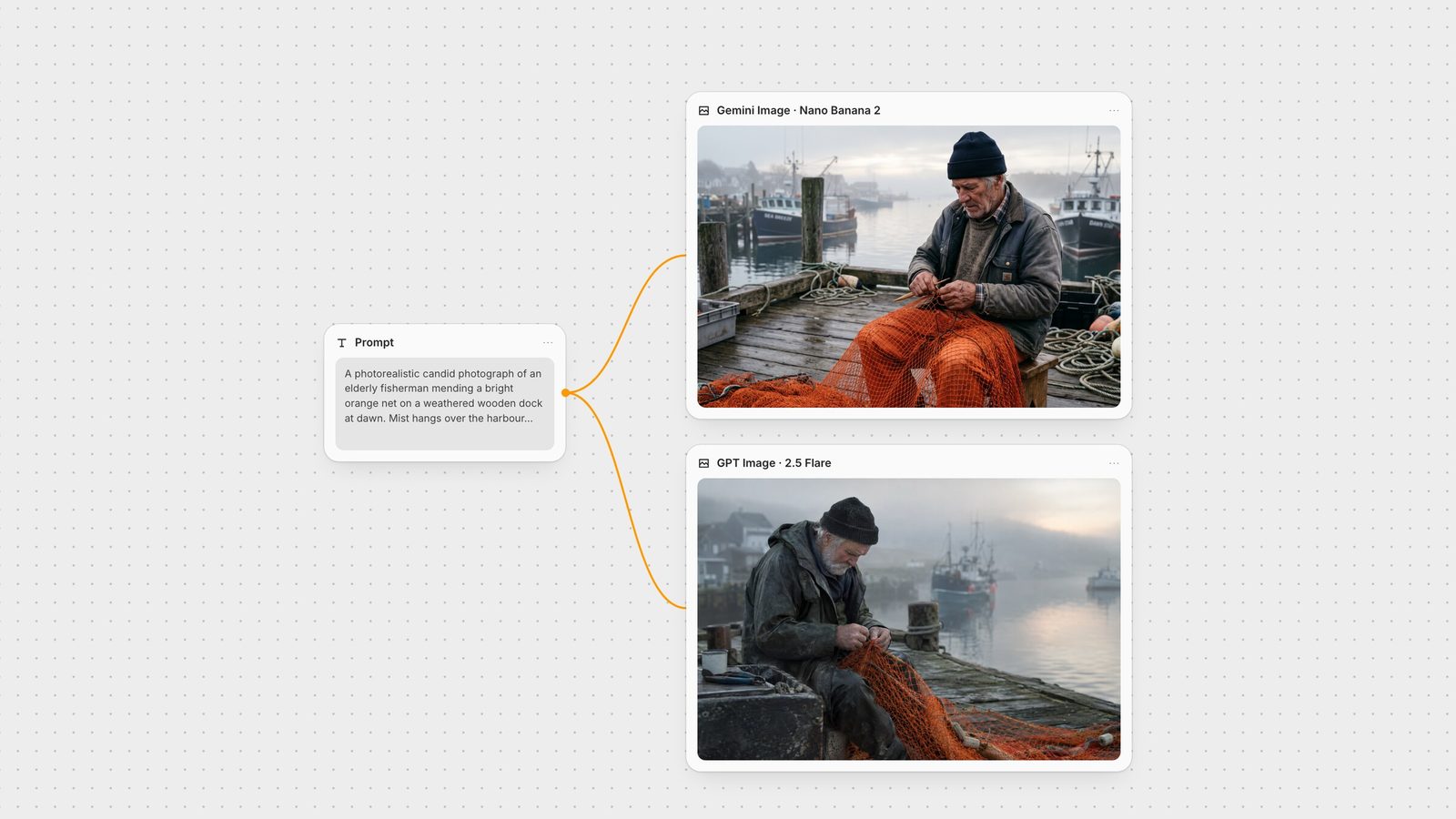
Prompt: "A photorealistic candid photograph of an elderly fisherman mending a bright orange net on a weathered wooden dock at dawn. Mist hangs over the harbour behind him, his calloused hands are in sharp focus, and the background falls off into soft blur. Natural light, 50mm lens look, muted colours."
Nano Banana 2 produced the sharper image (2528 × 1696): crisp knuckles, a netting needle in hand and readable detail in the rope and crates. The light reads as bright overcast rather than dawn, the mist is thin and the orange is saturated. It also added boat names and a small chest patch that resembles a real workwear brand's logo.
GPT Image 2.5 Flare delivered the requested mood: heavy harbour mist, a warm dawn glow on the horizon and a muted palette. Detail is softer at 1536 × 1024, and nothing branded appears.
Verdict: GPT Image 2.5 Flare followed the brief more closely. Pick Nano Banana 2 when you need resolution and fine detail, and check the image for invented text and logos.
Prompt: a screen-printed concert poster with four exact lines: "NIGHT TIDE" in a bold condensed sans-serif, "Live at Harbour Hall" in a lighter weight, "Friday 14 November · Doors 8 PM", and "harbourhall.com/nighttide" in small type, with "No other text."
Nano Banana 2 spelled every line correctly, including the URL, and followed the type hierarchy: a condensed headline and a visibly lighter second line. It presented the poster as a print pinned to a wooden wall, which the prompt did not ask for.
GPT Image 2.5 Flare also spelled every line correctly, and delivered flat, full-bleed artwork you could hand to a printer. The second line is set in a medium weight rather than a clearly lighter one.
Verdict: a tie on accuracy. Google lists legible text as a Gemini 3 image capability (Gemini API), and both vendors say to put the exact wording in quotes (Google DeepMind, OpenAI). For small or dense type, OpenAI suggests comparing medium and high quality. For more text-heavy tests, see best AI models for text in images.
Prompt: "Studio product photograph of a matte sage-green ceramic pour-over coffee dripper sitting on a pale oak board. Soft window light from the left, a gentle shadow to the right, clean off-white background, with empty space on the right third of the frame for ad copy. Real photograph, no props."
Nano Banana 2 followed the set literally: a separate oak board, a visible window on the left and a soft shadow falling right. It also stamped "FOLK CERAMICS" on the base, an invented maker's mark that would need retouching before an ad.
GPT Image 2.5 Flare returned a clean, unbranded product with open space on the right and soft side light. It put the dripper on an oak tabletop rather than a board.
Verdict: GPT Image 2.5 Flare, because the output was usable as-is. For more product workflows, see best AI product photography tools.
Input: a studio packshot of an amber serum bottle labelled "LUMA 02". Prompt: "Place this exact bottle on a wet, moss-covered river stone outdoors in soft morning sunlight, with a blurred forest stream behind it. Change only the setting and lighting. Keep the bottle's shape, amber glass, black dropper cap and the label text "LUMA 02" exactly as they are."
Both models kept the bottle's shape, cap, dropper tube and label text unchanged and built the scene around it. Nano Banana 2 made a clearer stream with moss and twigs on the stone. GPT Image 2.5 Flare leaned into backlit morning sun and sparkling water.
Verdict: a tie. The "change only X, keep Y" pattern is OpenAI's documented approach to edits (OpenAI), and it worked for both models here. Compare more editors in best AI image editing models.
Input: a head-and-shoulders portrait of a woman with curly copper-red hair, freckles and round tortoiseshell glasses. Prompt: "Show the woman from the reference image riding a bicycle down a rainy city street at night, lit by neon shop signs, wearing a yellow raincoat with the hood down. Keep the same face, curly copper-red hair, freckles and round tortoiseshell glasses. Full-body shot, photorealistic."
Nano Banana 2 made a wide, full-body shot. She is recognisable and it even kept the mustard sweater under the raincoat, but her face is small in the frame, the glasses read thinner and darker, and the freckles are faint. Some shop signs are illegible.
GPT Image 2.5 Flare framed closer. The tortoiseshell glasses, freckles and curls carried over clearly, and the neon signs read "BOOKS", "BAR" and "HOTEL".
Verdict: GPT Image 2.5 Flare, narrowly. For multi-image character work, Google documents up to four character-consistency reference images on Gemini 3.1 Flash Image (Gemini API), and its prompt guide recommends giving each character a distinct name. See consistent characters with AI for a multi-image workflow.
Nano Banana 2 (Gemini 3.1 Flash Image): 0.5K to 4K output, aspect ratios from 21:9 to 9:16, grounding with Google Search, a built-in thinking step, and a SynthID watermark on every image (Gemini API). Google lists it at about $0.067 per 1K image and $0.101 per 2K image (Gemini API pricing).
GPT Image 2.5 Flare: OpenAI's guidance is "Sunburst for workflows where editing precision matters most, and Flare for fast, high-quality everyday image generation" (OpenAI). It supports masks, transparent backgrounds, quality from low to max, and custom sizes up to 3840 pixels on either edge (OpenAI). It is billed by tokens, at $30 per million image output tokens (model page).
The Gemini Image node defaults to Nano Banana 2 at 2K and "Auto" aspect ratio. It also offers Nano Banana 2 Lite, Nano Banana Pro and Gemini 2.5 Flash Image, 1K to 4K output, up to 10 reference images, a system prompt field and a Search Grounding toggle.
The GPT Image node defaults to GPT Image 2.5 Flare with size and quality on "auto". It also offers GPT Image 2.5 Sunburst, GPT Image 2 and older versions; sizes up to 3840 × 2160; quality up to "max"; a mask input for local edits; and a transparent-background toggle for text-to-image.
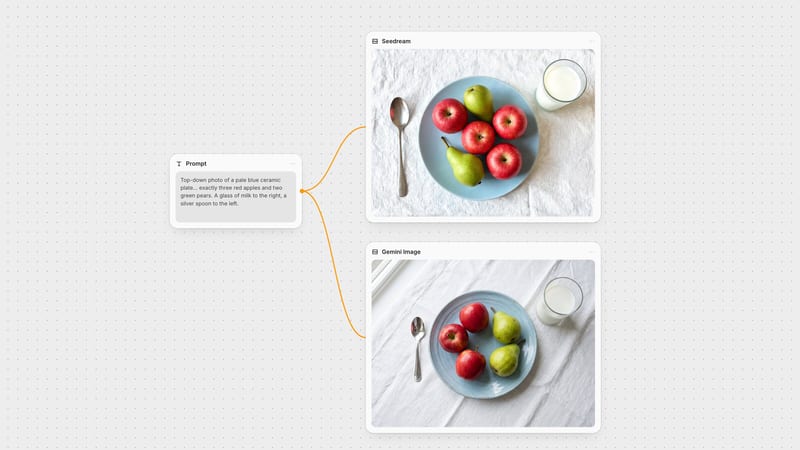
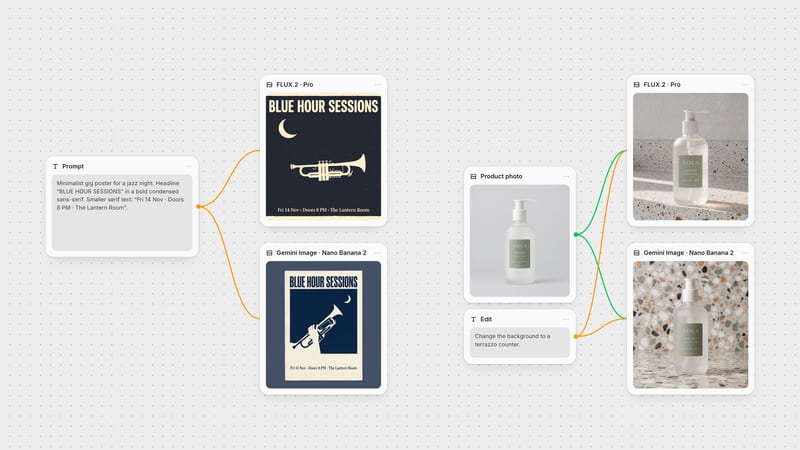
To run this comparison on your own brief, put one prompt in a text node, wire it into both nodes and compare the results side by side on the canvas. Prompt guides for each model: Nano Banana and GPT Image.
One run per model per task, identical prompts and inputs, 28 September 2026.
| Task | Nano Banana 2 | GPT Image 2.5 Flare |
|---|---|---|
| Same-prompt results | ||
| Photoreal scene | Sharpest detail, brighter light than asked; invented boat names and a logo-like patch. | Winner: mist, dawn glow and muted palette as written. |
| Text on a poster | Tie: all four lines correct, weights as asked; shown as a pinned print. | Tie: all four lines correct, flat print-ready artwork. |
| Product shot | Followed the set literally, but added a "FOLK CERAMICS" mark. | Winner: clean, unbranded, space for copy. |
| Background edit | Tie: bottle and "LUMA 02" label unchanged. | Tie: bottle and label unchanged, stronger sunlight. |
| Same person, new scene | Recognisable, but small face and thinner glasses. | Winner (narrow): glasses, freckles and curls carried over. |
Not across the board. In our test GPT Image 2.5 Flare won the photoreal, product and character tasks, and the two tied on poster text and a background edit. Nano Banana 2 returned higher-resolution images at its default setting.
Both spelled all four lines of our poster correctly, including a URL. Nano Banana 2 followed the requested font weights more closely; GPT Image 2.5 Flare produced flatter, print-ready artwork. Put the exact words in quotation marks for either model.
Both kept the bottle, cap and label text intact when we asked them to change only the setting. List what must stay the same in the prompt; OpenAI's prompting guide recommends saying "change only" and naming the details to preserve.
OpenAI describes Flare as the fast, high-quality everyday model and Sunburst as the one to choose when editing precision matters most. Both are available in Fuser's GPT Image node.
Nano Banana 2 is Google's name for Gemini 3.1 Flash Image (model ID gemini-3.1-flash-image). It is the default model in Fuser's Gemini Image node, next to Nano Banana 2 Lite and Nano Banana Pro.
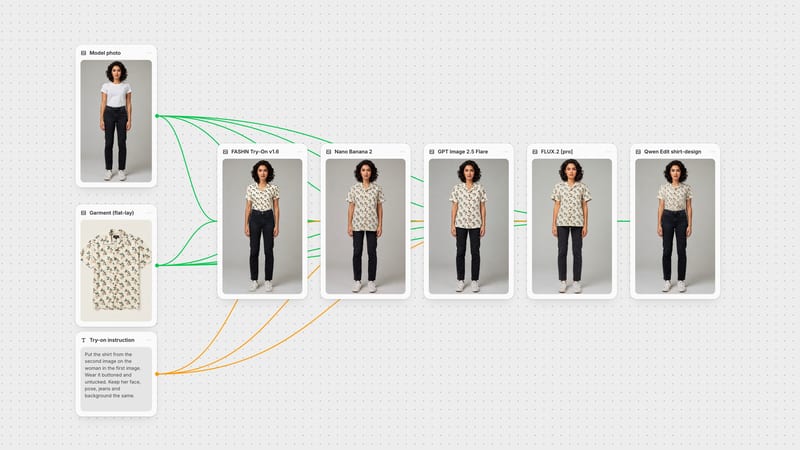
Yes. In Fuser you can wire one prompt into both nodes on the same canvas, compare the results, and send the one you choose into an editor, upscaler or video model.
One prompt, two image nodes, one canvas: keep the result that fits.